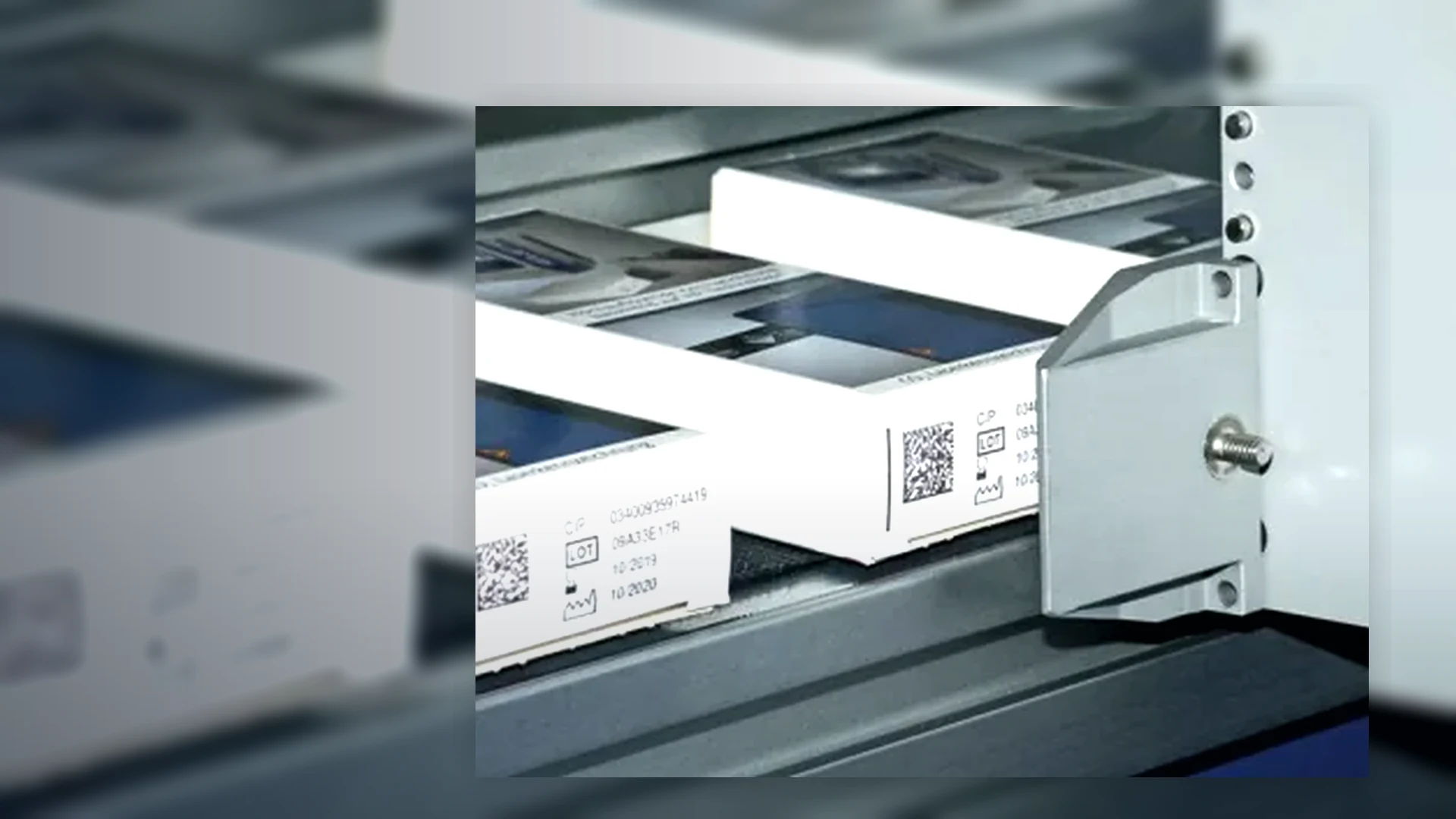
Continuous inkjet coders (CIJ)
Non-contact inkjet coders for fast moving bottles, cans, containers, flexible packs and irregular products where the code has to be applied while the line keeps moving.
View details →Traceability projects can combine inkjet printing with data handling, verification, inspection, reject control and operator procedures so every pack is coded correctly.
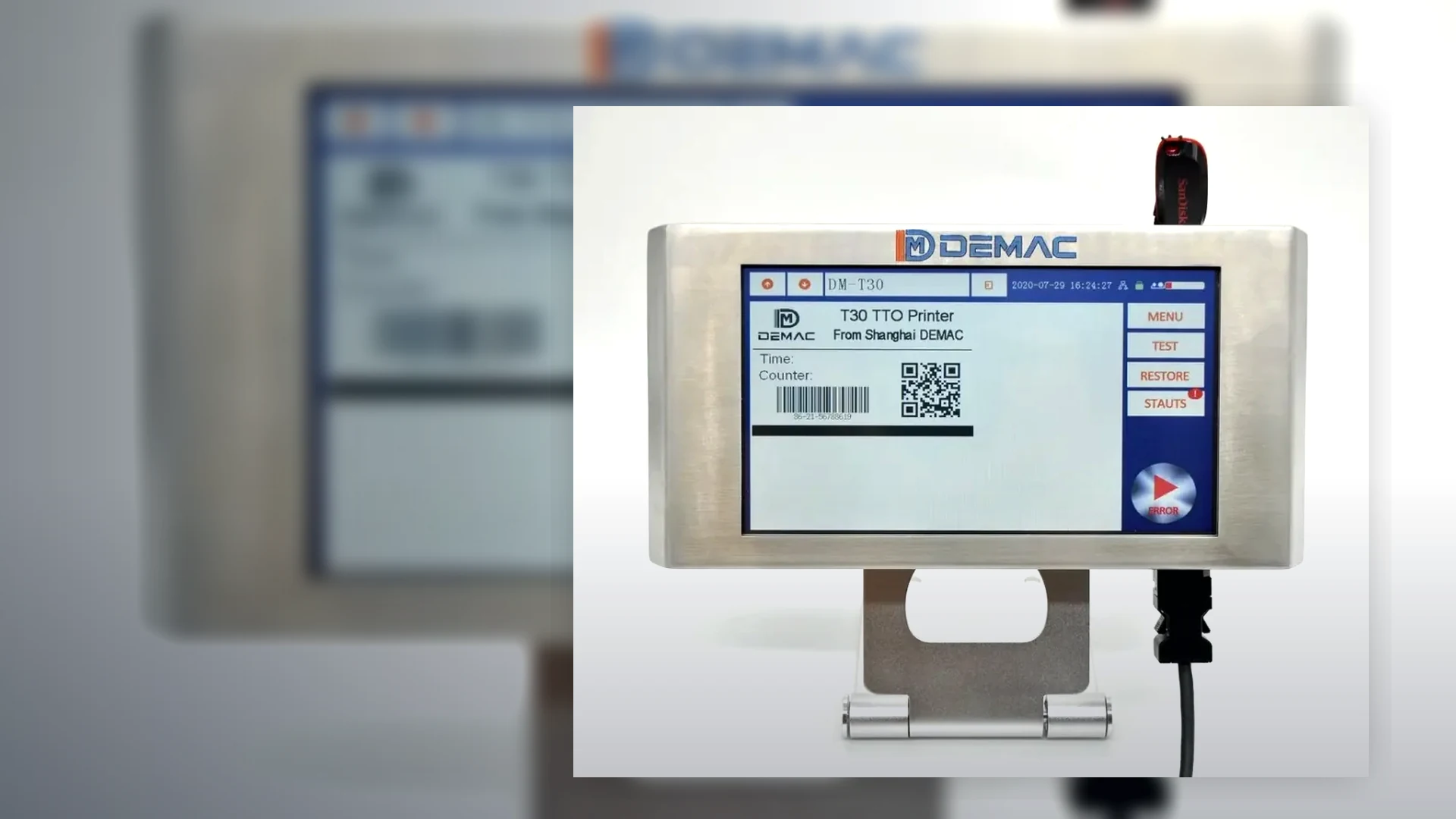
The coder must be matched to the product surface, line speed, orientation and the amount of variable data being printed. A practical trial is recommended where adhesion, dry time or barcode quality is important.
For high speed or curved products, start with continuous inkjet. For cartons, labels and flat surfaces requiring crisp codes, start with thermal inkjet. For outer cases, consider large character inkjet. For very low volumes, a handheld inkjet coder may be enough.
Send application detailsNon-contact inkjet coders for fast moving bottles, cans, containers, flexible packs and irregular products where the code has to be applied while the line keeps moving.
View details →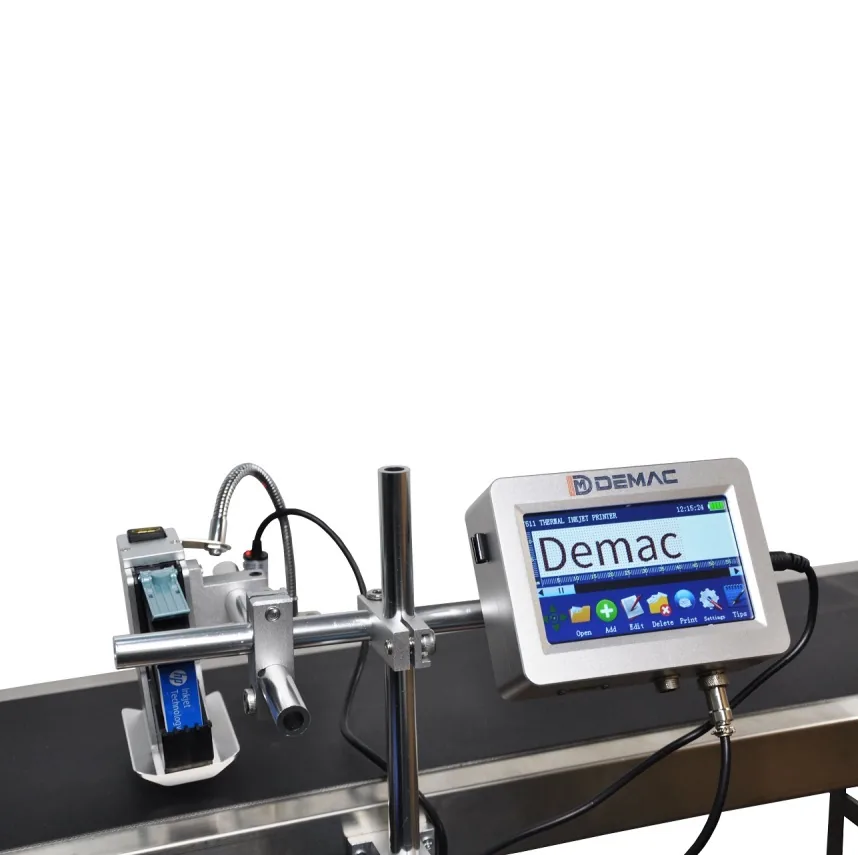
Clean cartridge-based inkjet printers for cartons, sleeves, labels, trays and porous or coated packaging where crisp text, QR codes and barcodes are required.
View details →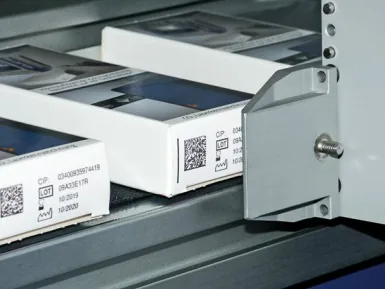
Industrial inkjet marking systems for outer cases, transit boxes and trays, replacing pre-printed cartons with flexible variable print.
View details →A printer creates a mark; a traceability system controls which data reaches which product, confirms the result and deals with exceptions. Define the complete sequence before choosing hardware or software.
Determine how the line knows which product and recipe is running: operator selection, barcode scan, PLC recipe, database order or ERP/MES instruction.
Define fixed and variable fields, date rules, lot format, serial source, check digits, user permissions and approval responsibility.
Use sensors, encoders or line tracking to associate one data record with one pack through printing, inspection and rejection.
Choose presence, OCR, barcode decoding or formal verification according to the risk. Define lighting, code position, sampling and acceptance.
Specify line stop or reject logic, reject confirmation, bin-full monitoring, reconciliation and restart rules after a fault.
State which records are stored, by whom, for how long and how they are linked to the production batch or order.
| Interface | Questions for the specification |
|---|---|
| PLC I/O | Ready, busy, print trigger, fault, low consumable, job selected, reject request and line-stop states. |
| Encoder and sensor | Speed range, resolution, product pitch, missing products, conveyor slip and mounting position. |
| Database / ERP / MES | Protocol, message structure, field validation, acknowledgement, buffering, sequence control and network ownership. |
| Vision or reader | Code type, field of view, lighting, expected grade or read rate, trigger and response time. |
| Reject system | Reject window, confirmation, fail-safe behaviour, bin security, full detection and reconciliation. |
| Audit data | Job, user, timestamp, printed record, inspection result, rejects, changes and backup. |
Define the applicable symbol and quality method with the customer or quality team. ISO/IEC 15416 is used for 1D label-based barcode grading; ISO/IEC 15415 applies to 2D symbols on labels; ISO/IEC TR 29158 addresses direct-part marks. A calibrated verifier is different from a production reader.
For GS1 symbols, confirm the correct identifier, data structure, size, quiet zone and application requirements. The code should be tested on the final pack in the intended orientation and lighting.
Challenge normal running and fault conditions: wrong recipe, no product, double product, speed change, unreadable code, missing code, network loss, printer fault, reject failure, power interruption and restart. Record the expected line response and evidence for each test.
Where the project requires formal validation, define the documentation and approval process before software configuration begins.
Identify who supplies and approves master data, date rules, serials and code layouts. The printer should not become an uncontrolled source of production data.
Agree addressing, ports, user access, backups, remote support and responsibility for updates. Keep production operation available when a non-essential external service is unavailable where the risk assessment permits.
Control revisions to messages, software, packaging artwork, code standards, readers and reject logic. Re-test affected functions after a change.
No. A reader decodes data under its operating conditions. A verifier uses controlled optics and calibration to measure defined print-quality parameters and produce a grade.
It can where the selected controller, software and protocol support the required workflow. Often a line PLC, middleware or coding-management system coordinates the connection.
The required behaviour must be defined: continue from an approved local job, stop safely, use a controlled buffer or prevent new production. The decision depends on traceability risk.
Use a controlled serial source, acknowledgement, product tracking, inspection and reconciliation. Recovery after stops or rejected products must be part of the design.
That depends on the product, customer and risk. Some applications use 100% inline checks; others use sampled inspection or offline verification. Define the requirement before selecting equipment.
Provide the data source, code format, line sequence and failure responses for an integration review.
Discuss coding and traceability integration