Guide
Inkjet ink and substrate guide
How the packaging material, surface finish and production environment affect inkjet coder selection and ink choice.
How the packaging material, surface finish and production environment affect inkjet coder selection and ink choice.
A code that looks clear on a carton may not work on a wet bottle, glossy pouch or curved plastic tub. The substrate, coating, surface energy, temperature and handling after print all affect ink adhesion and dry time.
| Porous surfaces | Uncoated cartons, corrugate and some paper labels can often accept fast-drying high-resolution print |
|---|---|
| Non-porous surfaces | Plastic, glass, metal and films usually need matched ink and dry-time testing |
| Flexible packs | Pouches, bags and sleeves need checks for movement, gloss, heat seal area and code position |
| Related options | Code quality guide, pouch coding and thermal inkjet printers |
Use these checks before you buy, quote or install a coder. They help reduce print defects, missed codes and unreliable date or batch marking once the line is running.
Send it with your enquiry so the coder type, bracket position, print head access and ink choice can be reviewed properly.
Compare related coder types, applications and specification guidance.
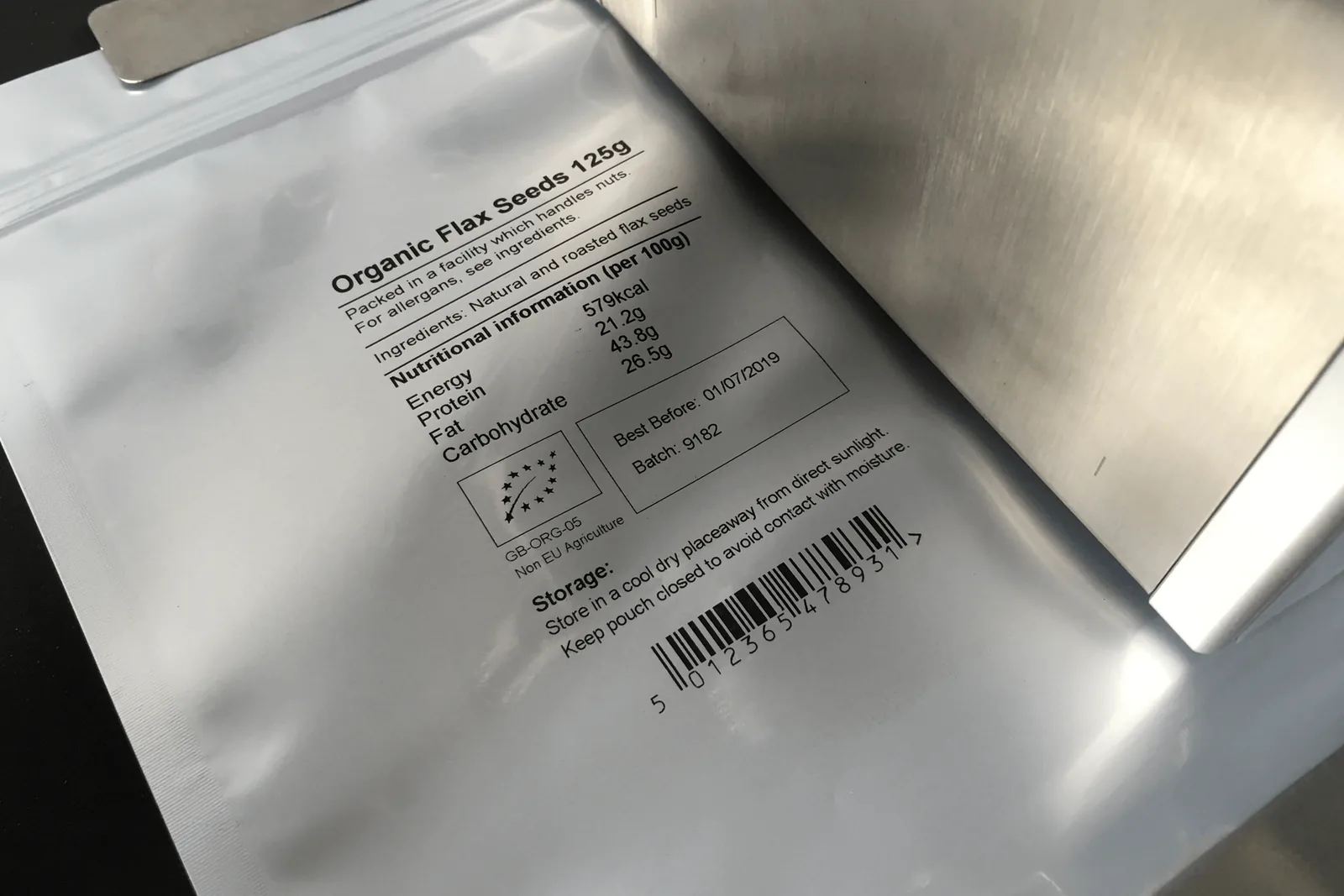
Date, batch and traceability printing on pouches, bags, labels, sleeves and flexible packs.
View details →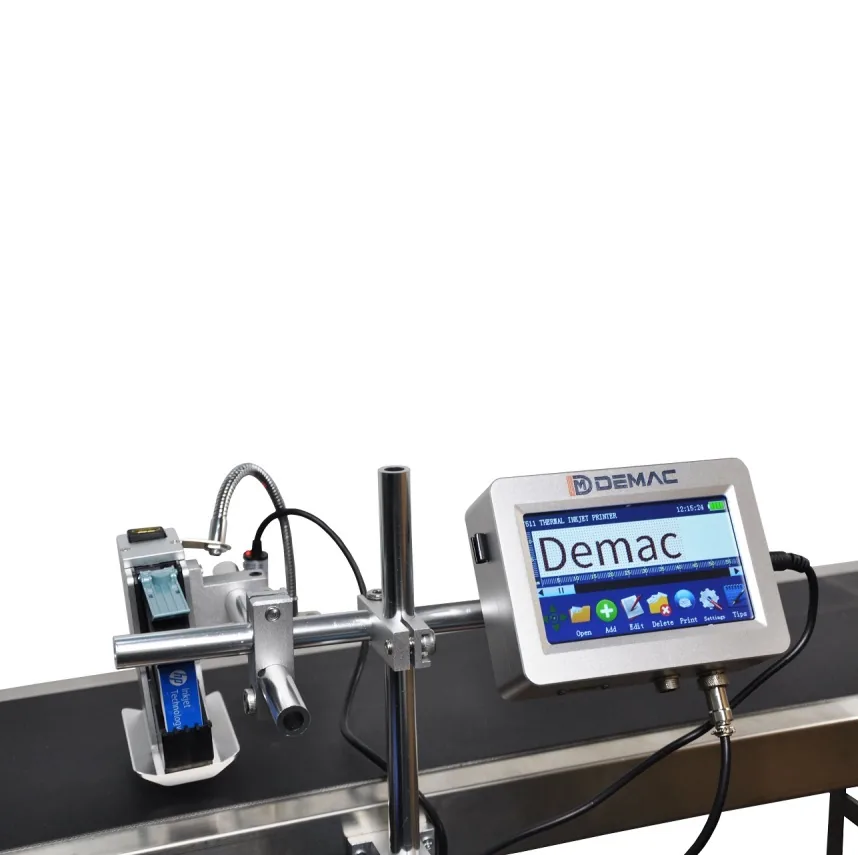
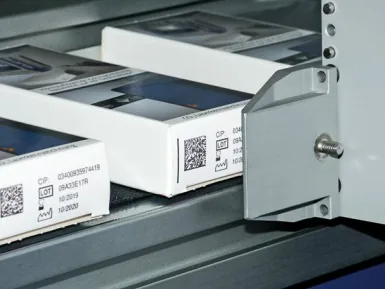
High-resolution TIJ print for cartons, labels, sleeves, QR codes and barcodes.
View details →Send pack photos, code artwork, material, speed, code position and available line space. Lancing can then advise on the most suitable inkjet coding route.
Tell us what you need to code and where the coder has to fit on the line.
Material names such as PET, HDPE, glass or cardboard do not fully describe a printable surface. Supplier, coating, colour, recycled content, treatment and contamination can all change adhesion and contrast.
Include every approved supplier, colour, size, coating and the oldest or most difficult normal stock. Condition samples as they are at the coding point.
Use the actual message, print height, resolution, speed and throw distance. Record printer, ink or cartridge and all relevant settings.
Check at the first contact point on the line and after the normal interval before packing. Note temperature, humidity and surface condition.
Use a controlled rub, wipe, tape, scratch, water, oil or chemical exposure only where it represents the real requirement.
Check visual quality and, where relevant, scan or verify the machine-readable symbol on the final pack.
Retain samples, photographs, settings, consumable references and the acceptance decision. Re-test after material or process changes.
| Surface issue | Possible effect | What to investigate |
|---|---|---|
| Condensation | Beading, weak adhesion or delayed drying | Coding point, surface drying, ink chemistry and handling time |
| Oil or mould release | Code separates from the substrate | Normal contamination level, cleaning feasibility and specialist ink |
| Coating or varnish | Poor wetting or slow drying | Exact coating reference and alternative print zone |
| Rough or porous board | Ink spread and broken edges | Ink viscosity, resolution, printhead type and board grade |
| Dark or clear pack | Low visual contrast | Contrasting ink, background panel, label or different code position |
| Flexible or moving surface | Distorted characters or changing print gap | Support, guides, coding before forming or alternative technology |
Record nozzle purging, cartridge wiping, make-up use, rejected starts and cleaning time. A consumable that prints well but requires frequent intervention may not be the lowest-cost production choice. Use the same message coverage and operating pattern when comparing options.
Send samples in their normal production condition and state the required resistance test.
Arrange a substrate review