Edge definition
An excessive gap can make characters appear soft, stretched or incomplete. A gap that is too small increases the risk of product contact, ink build-up or damage to the head.
The correct print gap is the distance at which the selected printer, ink and product presentation produce a complete, repeatable code without risking contact with the pack.
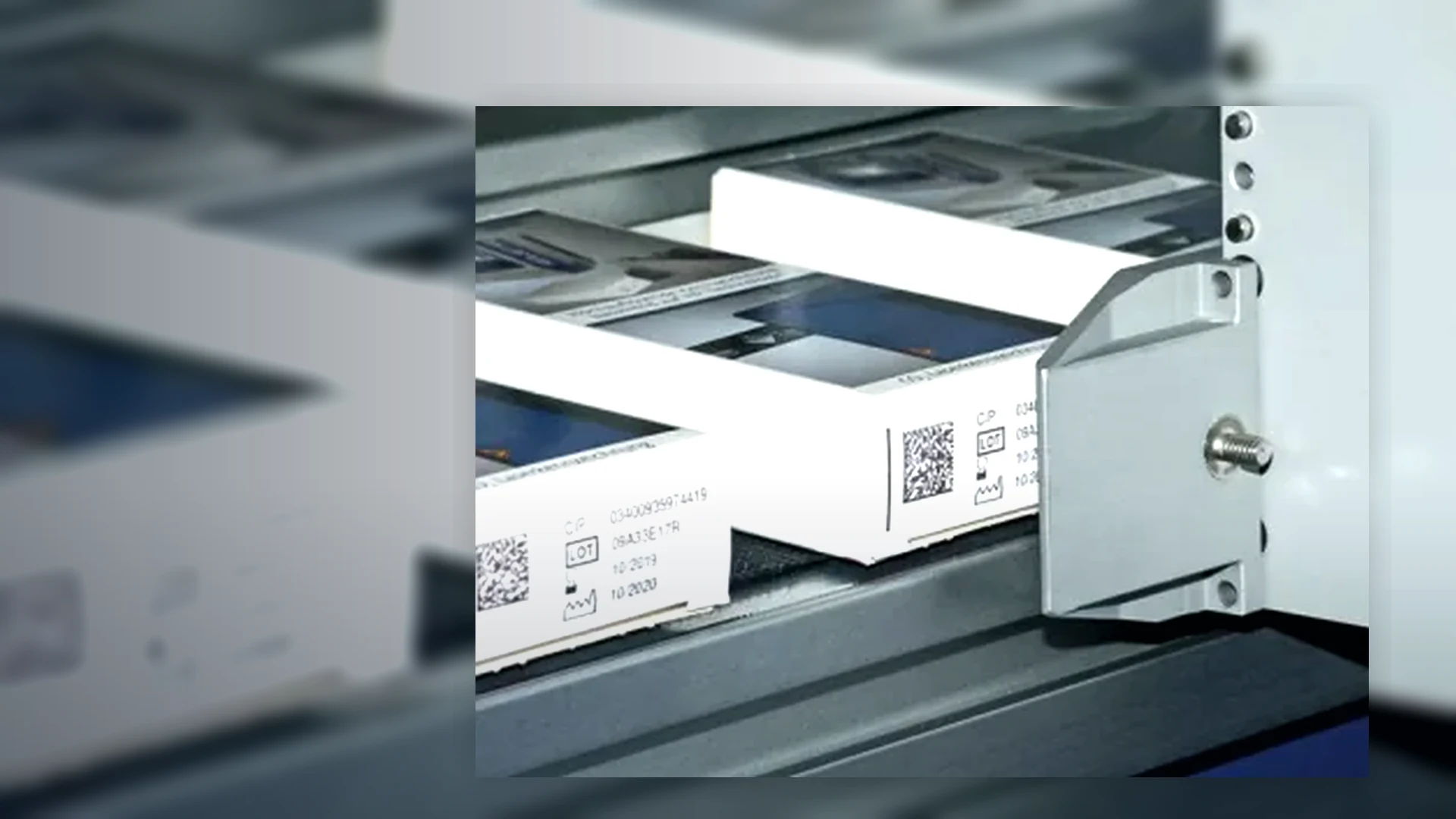
Inkjet throw distance is the working gap between the printhead face and the surface receiving the code. The permitted gap is model-, ink- and resolution-dependent. It is not a universal figure for CIJ, TIJ or large-character systems. The quotation should state the operating window for the exact head and message, then the trial should prove that the product remains inside that window.
A longer nominal throw distance can provide more clearance around curved, irregular or poorly controlled products, but it does not remove the need for stable guides and a protected mounting arrangement. A shorter gap can support sharper print, provided the product cannot strike the printhead.
Ink droplets travel through air before reaching the substrate. As the gap increases, product motion, airflow, vibration, curvature and droplet behaviour have more opportunity to change dot placement. The effect is more visible on small text, narrow barcode modules and high-density 2D codes.
An excessive gap can make characters appear soft, stretched or incomplete. A gap that is too small increases the risk of product contact, ink build-up or damage to the head.
Different bottle diameters, carton bulge, pouch fill level and conveyor bounce can move the surface towards or away from the head. The full variation must remain within the approved print envelope.
A code may still look readable to an operator while its cells, bars or quiet zones have become inconsistent. Use the specified reader or verifier during the line trial.
Continuous inkjet is often considered where the product is curved or the presentation is less controlled. Thermal inkjet normally needs a closer and more stable relationship to the surface. Large-character and high-resolution case coders also depend on the selected head and the flatness of the corrugated board. These are technology tendencies, not substitutes for the quoted model specification.
| Technology | Presentation priority | Distance risk to prove |
|---|---|---|
| Continuous inkjet (CIJ) | Keep the target area within the specified non-contact window while allowing for curvature, wobble and line vibration. | Character distortion, changing code height, misting or position variation at the furthest and nearest pack conditions. |
| Thermal inkjet (TIJ) | Guide a flat or controlled panel close to the cartridge face without allowing raised features or damaged packs to strike it. | Missing nozzles, reduced edge definition, loss of barcode quality and head damage caused by contact. |
| Large-character inkjet | Control carton side movement, board bow and flap condition across the full case range. | Uneven print density, broken large text and loss of code readability across corrugated variations. |
Send side and plan photographs of the coding point, the full pack-size range, the proposed code position, a short line video, the smallest required code and any raised seams, caps, handles or guides near the printhead. Lancing can then identify whether product control, another head position or a different technology should be assessed.
Provide the pack dimensions, code location and a short production video.
Lancing can assess the practical print gap and mounting route.