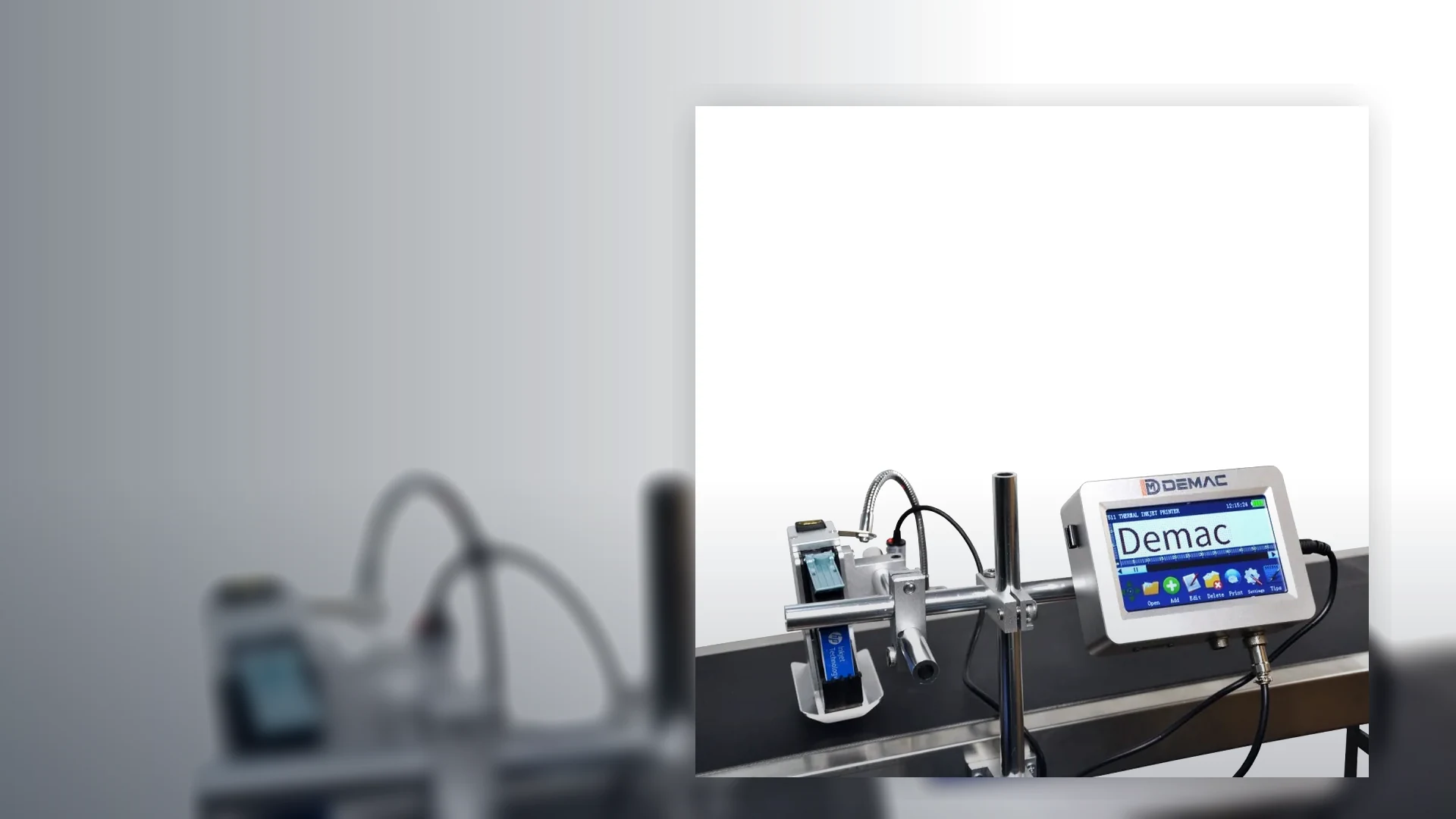
Bottle coding machines
Print expiry dates, batch numbers and traceability codes onto plastic bottles, glass bottles, jars, tins and small containers.
View details →A handheld inkjet coder can be useful where volumes are low, products are oversized, or a fixed conveyor-mounted printer is not justified.

Before buying a coder, confirm the pack surface, speed and code requirement. The same date code can need a different machine depending on whether it is printed onto a curved bottle, carton, flexible film or outer case.
| Common uses | Low-volume date coding, batch marking, rework, warehouse product ID |
|---|---|
| Typical products | Cartons, sacks, timber, drums, large containers and assembled products |
| Line integration | Usually manual, with optional guides or jigs for repeatable positioning |
| Selection data needed | Surface, code size, print quality expectation, volume and operator routine |
Print expiry dates, batch numbers and traceability codes onto plastic bottles, glass bottles, jars, tins and small containers.
View details →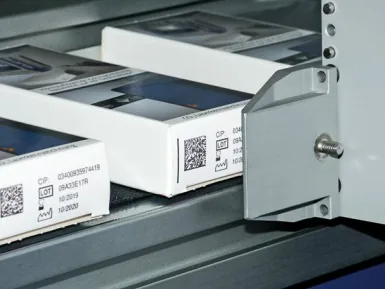
Inkjet printers for retail cartons, shelf-ready packaging, shipping cases and end-of-line case marking.
View details →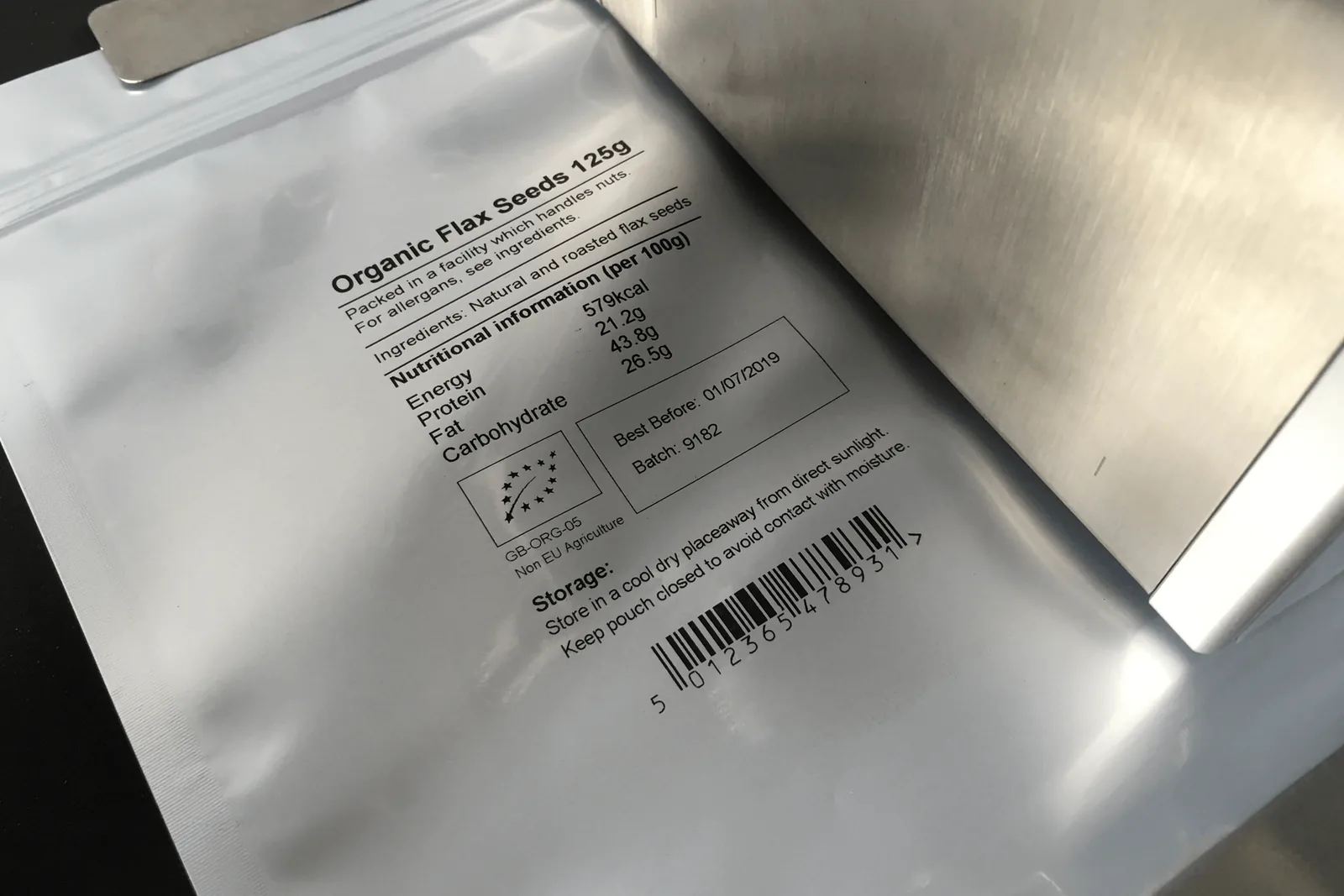
Inkjet and alternative coding solutions for stand-up pouches, bags, labels, sleeves and flexible packaging lines.
View details →No. For continuous production, a fixed inkjet coder with sensor triggering is normally more repeatable and efficient.
Many handheld systems can print QR codes, but print quality depends on surface, speed of movement and operator control.
It can, but repeatability must be tested. A fixed print head or guide may be better for regular production.
A handheld coder can be a practical choice for low-volume products, rework and large items, but the operator becomes part of the print mechanism. Repeatability has to be designed into the work method.
Short batches, warehouse identification, oversize cartons, sacks, timber, drums and items that cannot be moved past a fixed head are typical starting points. Confirm that manual handling is safe and acceptable for the planned volume.
Travel speed, angle, contact wheel pressure and start position affect code shape. Use a straight edge, guide rail, template or jig where position and appearance must be consistent.
Test the exact ink on the real material. Rough board, woven sacks, curved drums, glossy plastics and cold surfaces can produce very different results even when the same message is used.
| Requirement | Handheld route | When to move to a fixed system |
|---|---|---|
| Volume | Intermittent short runs or rework | Continuous shifts, high daily volume or operator bottlenecks |
| Position | Acceptable variation or use of a simple guide | Tight positional tolerance or repeated code-to-feature alignment |
| Data | Manual job selection and controlled variable fields | Automatic database records, product tracking or serialisation |
| Inspection | Operator visual check or sampled scan | Inline presence, OCR, barcode inspection or automatic reject |
| Safety | Item can be reached and held safely | Heavy, moving, hot, hazardous or inaccessible products |
Define the approved message, cartridge, code position, guide, travel direction, cleaning method and acceptance sample. Include how the operator confirms the date or batch before the first product and after any cartridge or job change.
Where multiple users share the printer, control message permissions and keep the approved templates backed up.
Test the slowest and fastest practical hand movement, the most difficult surface and the smallest code. Inspect immediately and after the expected handling time. For machine-readable codes, test multiple operators and products rather than a single best sample.
Record battery duty, cartridge yield and cleaning time under the expected shift pattern.
Use a physical guide, wheel datum, stencil or fixture that sets the start position and keeps the printer straight. Mark the approved code location in the work instruction.
It may be where the controller can manage the data and operators can prevent duplicates or omissions. For high-risk serialisation, an automated data and verification system is usually more appropriate.
Use the intended message, print frequency, shift length and charging routine. Confirm the quoted duty with the exact model and keep a controlled charging and spare-battery plan where production depends on it.
Some systems can be mounted or triggered externally, but this is model-specific. A purpose-designed inline system may provide better sensing, guarding, data control and maintainability.
Send the product, daily volume and required code position to compare handheld and fixed options.
Compare portable and inline codingFor portable work, define the guide or jig, travel direction, speed, print start, surface preparation and first-off check. Move to a fixed coder when placement, throughput, serialisation or online inspection cannot be controlled reliably by the handheld process.
Repeatability comes from a consistent guide, travel direction, speed, start point, print distance and operator work instruction. A wheel or jig can stabilise movement, but the application should still be checked across the real product shape and operator range.
Yes, where the rework instruction controls product identity, message selection, authorisation and completion records. The operator should not create or edit traceability data outside the approved workflow. Serialised or high-risk rework may need scanning and reconciliation.
Use locked approved jobs, clear naming, user permissions and an independent first-off check. Avoid free text for dates, batch structures or customer codes where a stored template, barcode scan or uploaded job can reduce entry error.
Move to a fixed inline system when volume, placement tolerance, repeatability, verification, operator effort or data control can no longer be managed reliably by hand. Compare the cost of rework and inspection, not only the lower initial price of the portable printer.
Use the question library to compare portable and automated routes.
Discuss handheld or inline codingThe LU-DC1S adds a model-level reference for short runs, varied pack formats and jig-assisted manual coding.
| Technology | Rechargeable handheld cartridge inkjet |
|---|---|
| Display | 4-inch touchscreen |
| Print height | Approximately 2–12.7 mm |
| Resolution | Up to 600 dpi |
| Reference print distance | Approximately 2–5 mm |
| Ink cartridge | 12.7 mm, 45 ml quick-dry cartridge |
Use guide rollers or a product-specific jig to control the start point, travel direction and print gap. Approve the code on the hardest surface and require a first-off check after every message or cartridge change.
View the full LU-DC1S specification