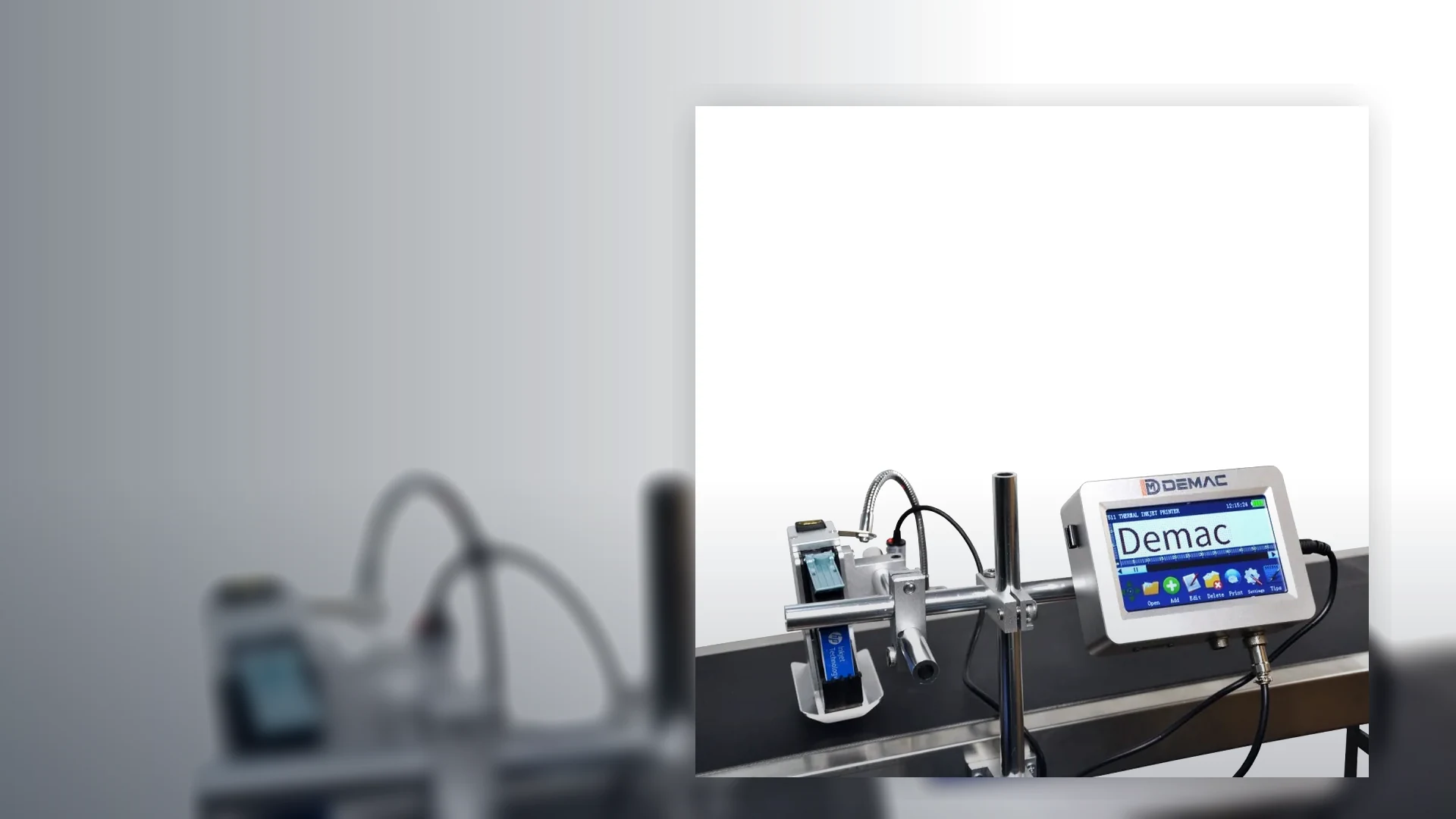
Bottle coding machines
Print expiry dates, batch numbers and traceability codes onto plastic bottles, glass bottles, jars, tins and small containers.
View details →Choose the right inkjet coder by pack type, code requirement and line layout, including bottles, cartons, pouches, food, cosmetics, pharmaceuticals and traceability.
Good coder selection starts with the pack. A bottle coding machine, carton coder and pouch printer can all use inkjet technology, but the installation details are different.
Print expiry dates, batch numbers and traceability codes onto plastic bottles, glass bottles, jars, tins and small containers.
View details →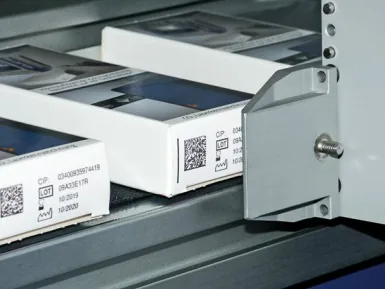
Inkjet printers for retail cartons, shelf-ready packaging, shipping cases and end-of-line case marking.
View details →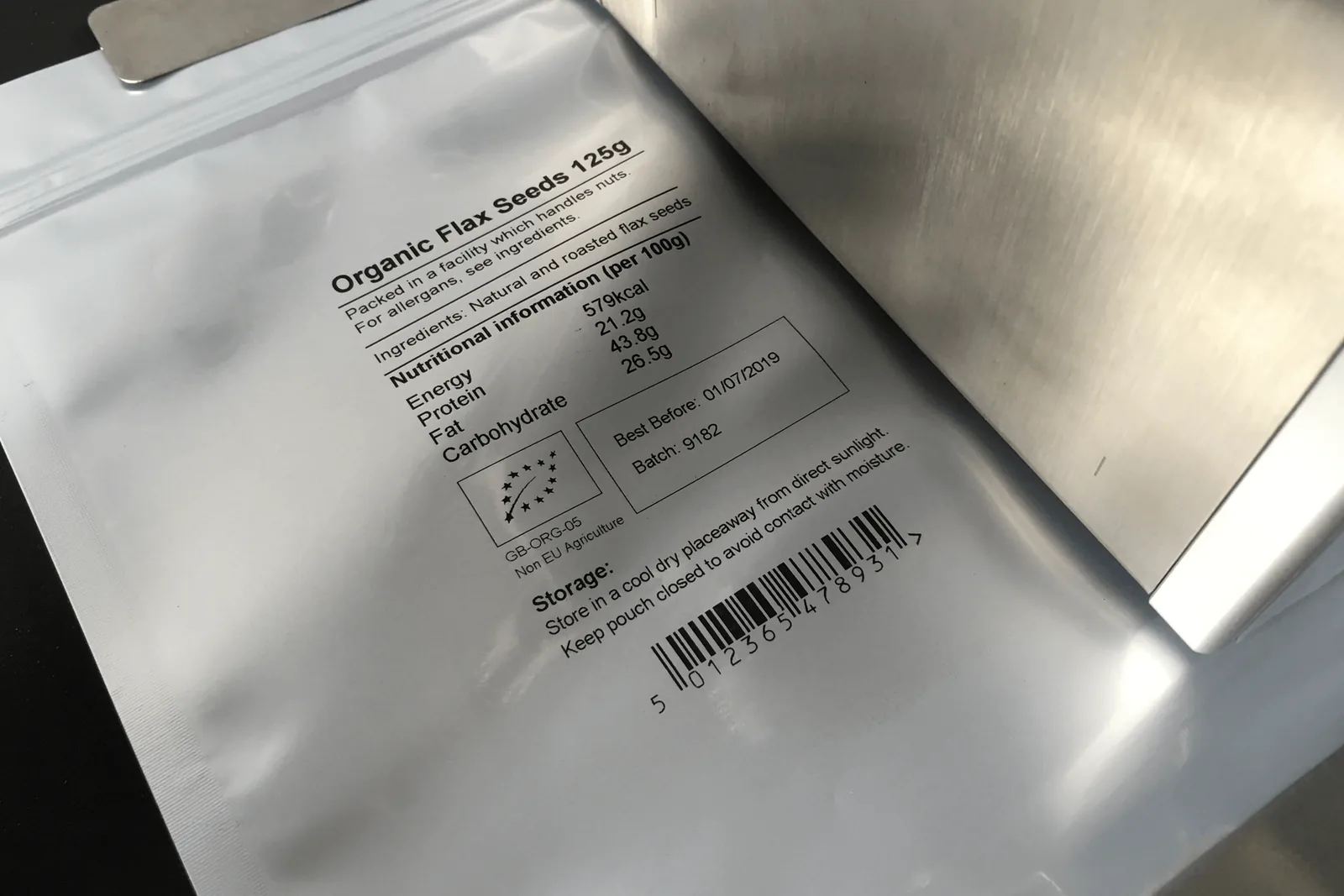
Inkjet and alternative coding solutions for stand-up pouches, bags, labels, sleeves and flexible packaging lines.
View details →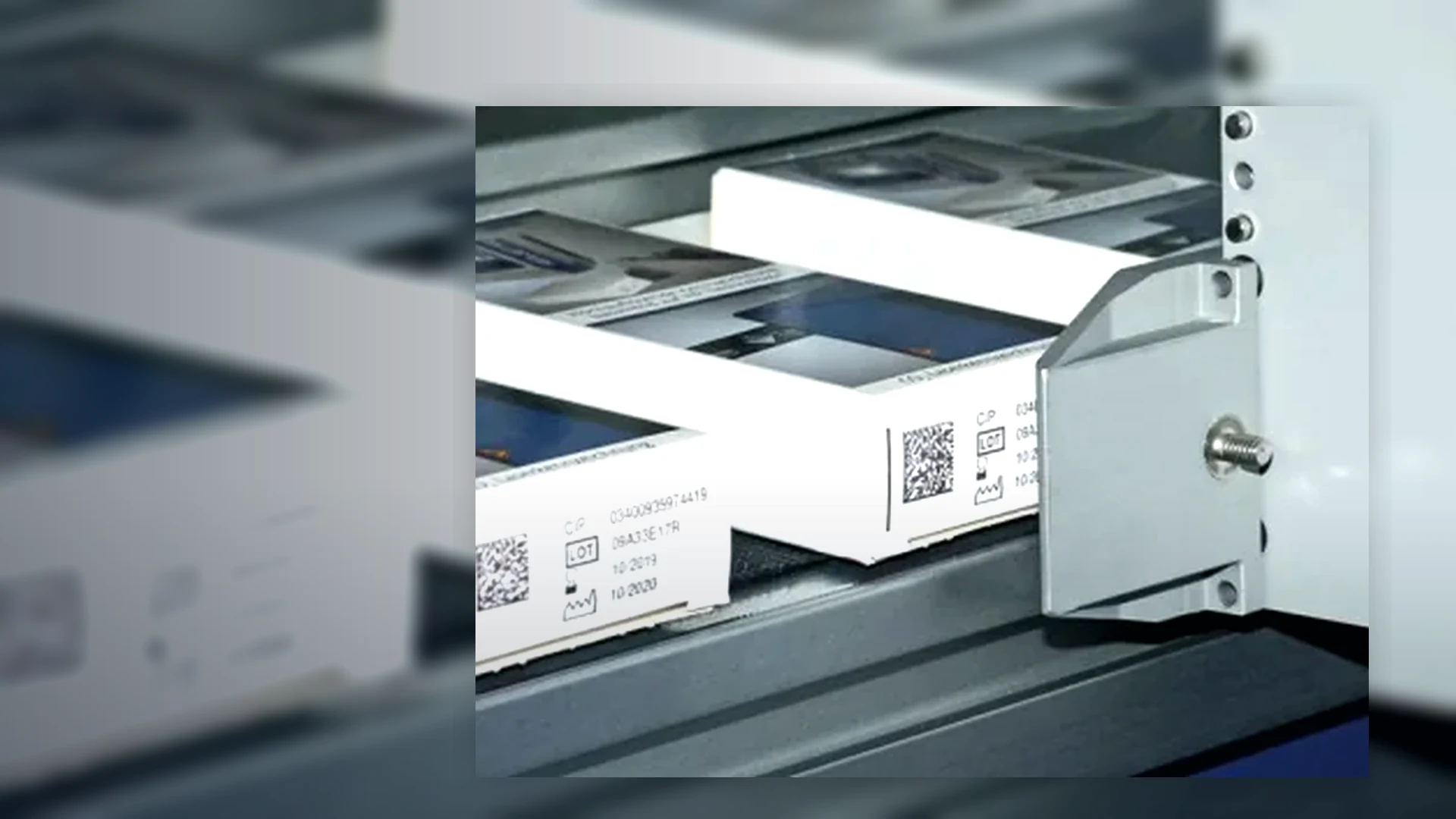
Best-before, use-by, lot and allergen coding systems for food, drink, bakery, sauces, pet food and contract packing.
View details →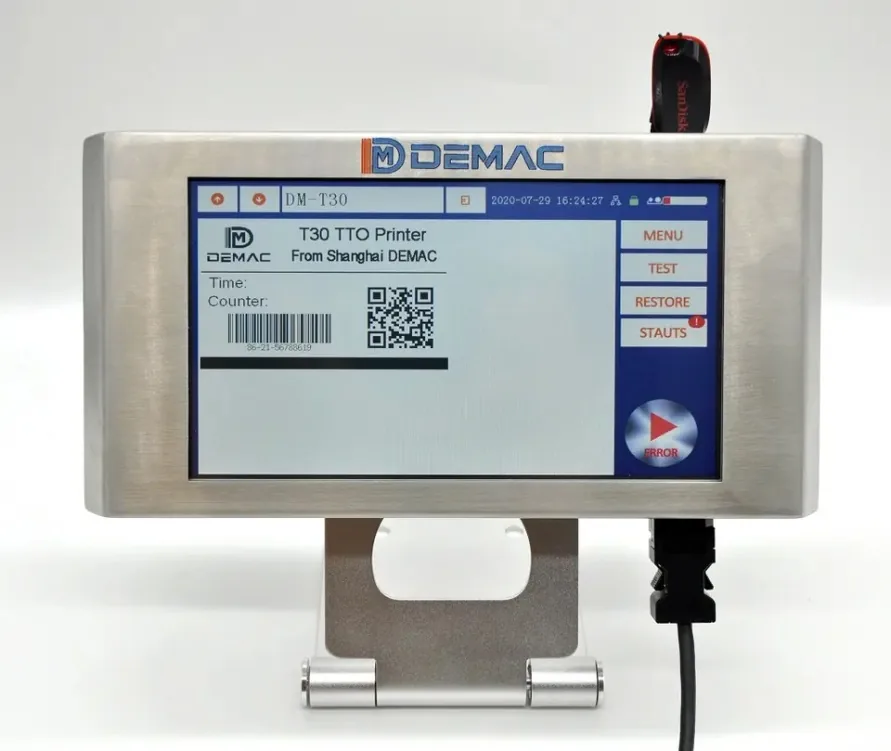
Batch, expiry, serial and 2D code printing for bottles, cartons, labels and regulated packaging workflows.
View details →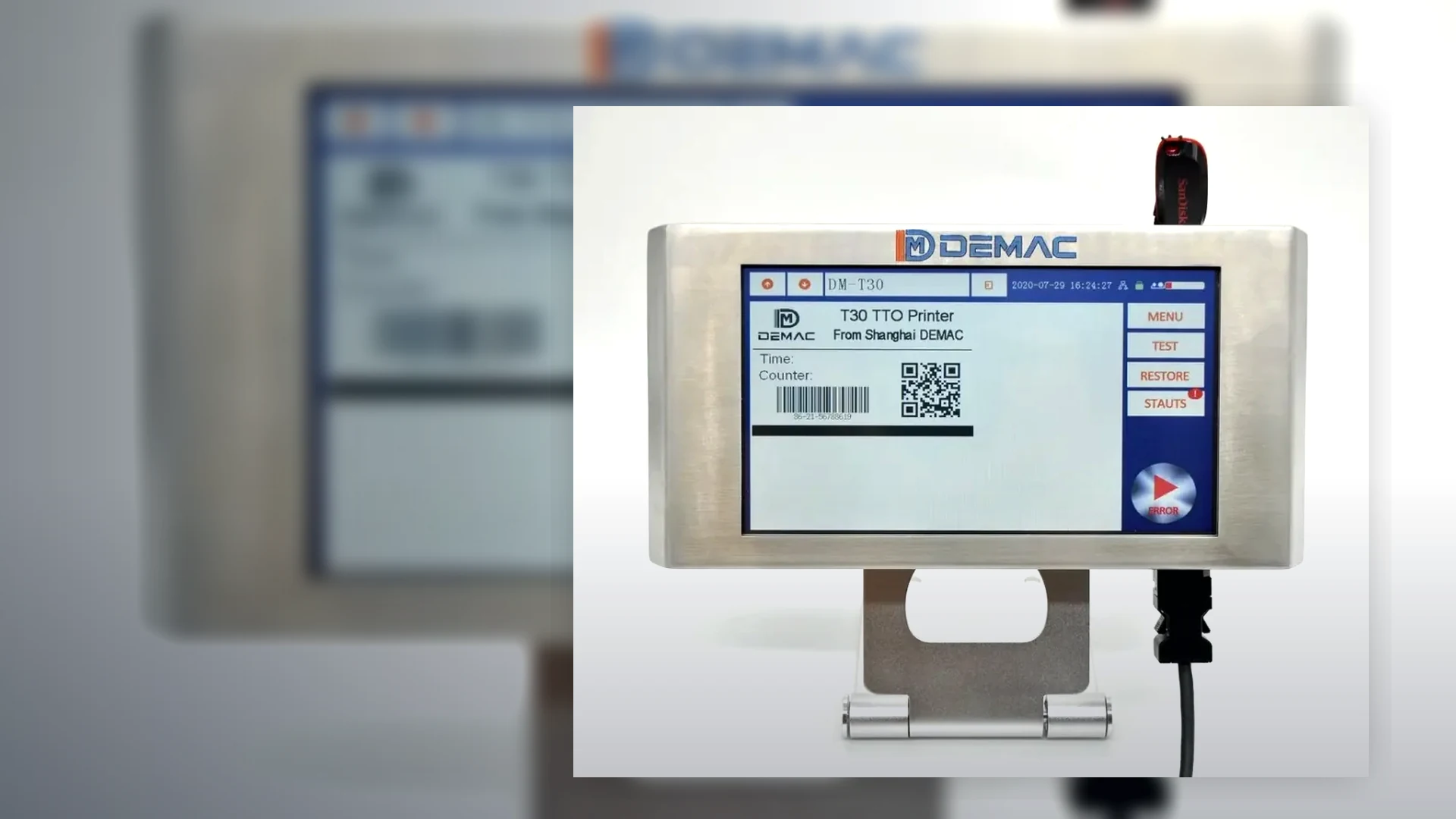
Integrate code verification, reject logic, label printing and data capture into new or existing production lines.
View details →Many inkjet coder projects need more than the printer. We can include mounting rails, floor stands, side guides, sensors, encoders, guarding, reject confirmation, conveyors and operator training.
Discuss your applicationThe same date or batch message can require a different machine depending on where the pack is coded and how it is presented. Map the application from product arrival to the downstream quality check.
Confirm the face, available print area and whether the surface is flat, curved, recessed, flexible or moving during the print window.
Record material, coating, colour, temperature and contamination such as condensation, oil, dust or release agents.
Provide line speed, pitch variation, product stability, guide-rail arrangement and the available sensor and printhead mounting distances.
Define who creates the message, how jobs are selected, whether data comes from an operator, scanner, PLC, database, ERP or MES, and how errors are prevented.
State whether the requirement is visual presence, OCR, barcode reading, formal verification or record retention, then define line stop or reject behaviour.
Use production packs and a message that represents the smallest text or most demanding code. Test at the intended speed and handling conditions.
For bottles and cans, jars or tubs, curvature, condensation and product rotation often determine the print position.
For pouches and film, decide whether to print before forming, during the packaging cycle or onto the finished pack.
For cartons and cases, distinguish retail text from logistics data and decide whether direct printing or print-and-apply is the better route.
Send the pack path, intended code position and a short production video so the mounting and triggering arrangement can be reviewed.
Review an applicationApplication success depends on more than the printhead. Define how the product is sensed and guided, where variable data comes from and what the line does when a code is wrong or missing.
Photocells, encoders, PLC signals, data and fault states.
Separate scanning, online inspection and formal verification.
Control job selection, first-off checks, line clearance and reject confirmation.