Inkjet coder operator training
Role-based handover for production, quality, maintenance and data owners.
View training guidance →Support for inkjet coder selection, mounting, installation, operator setup and packaging line integration across UK manufacturing sites.
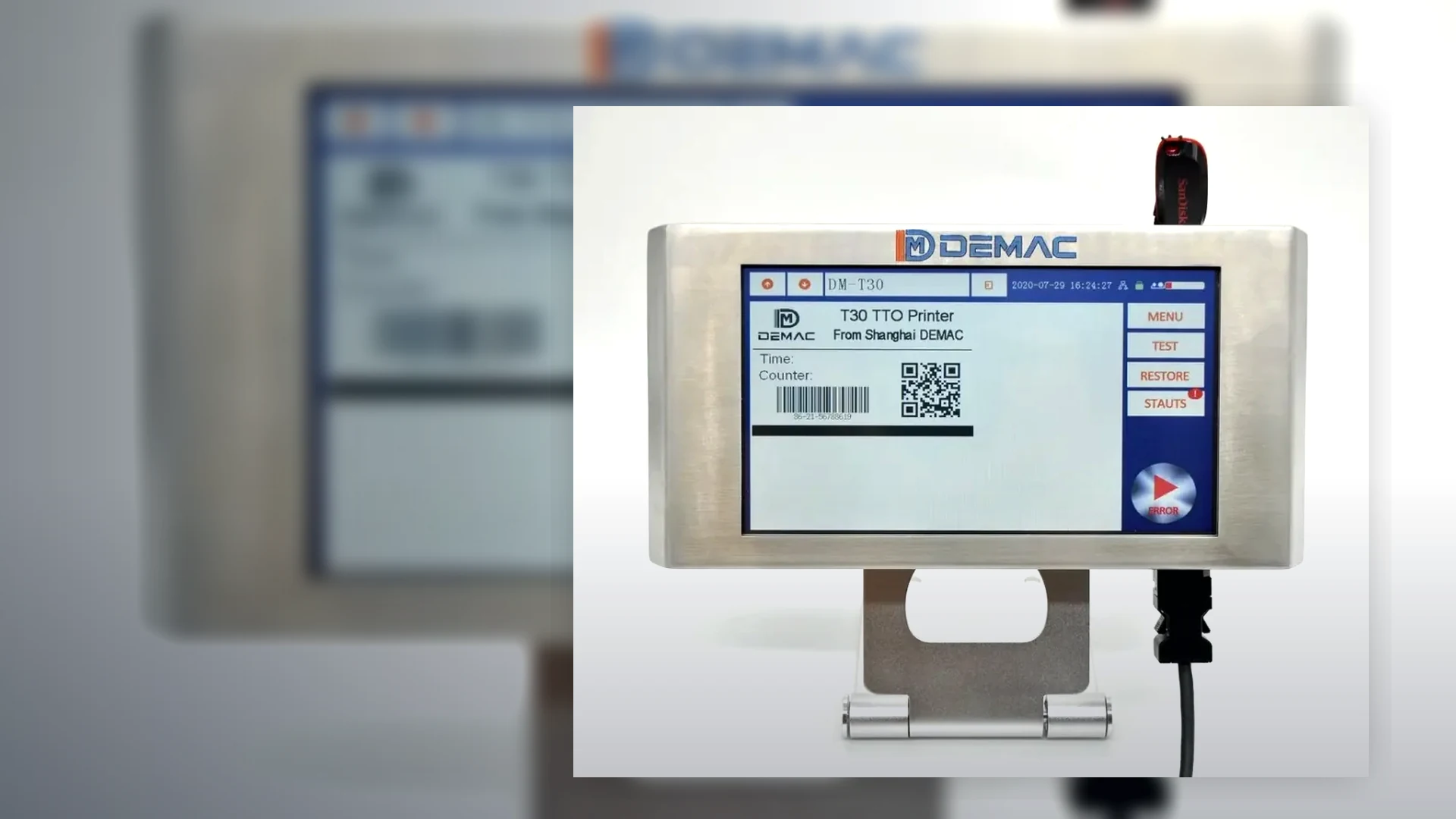
Inkjet coder performance depends on repeatable product presentation. We can support the practical mechanical and electrical details around the printer, not just supply the coding unit.
Videos of the current line, photos of the pack, code samples, line speed, product dimensions, washdown routine and available installation space.
Contact supportCoder performance depends on the surrounding line, operator routine and consumable control. Defining those responsibilities early reduces start-up risk.
Confirm the mounting frame, printhead adjustment, product guides, vibration, working height, guarding, operator access and protection from impact or washdown.
Define power isolation, product sensing, encoder input, line-ready and fault signals, recipe selection, data connections, line stop and reject outputs.
Use approved packs, inks and messages to check position, legibility, adhesion, speed, changeovers, faults and recovery. Record open actions and final settings.
Train users to select jobs, confirm variable data, replenish consumables, clean safely, recognise print defects and escalate faults without bypassing controls.
Set routine checks according to the quoted model and duty. Hold risk-based consumables, wear parts and cleaning materials with clear storage and shelf-life control.
When packs, inks, suppliers, code formats or line speeds change, repeat the relevant compatibility and acceptance checks rather than assuming the original setting still applies.
See the detailed installation guidance and servicing guidance.
Discuss support requirementsPrint faults can originate in the printer, consumable, product presentation, message data or the packaging line. A structured record helps separate those causes before settings or parts are changed.
| Observed symptom | Evidence to capture | Line conditions to record |
|---|---|---|
| No print or missed products | Controller status, alarm text, sensor indication, trigger count and a short video showing product passage. | Product spacing, sensor position, line speed, start-stop sequence and whether the fault follows one format. |
| Code position moves | Photographs of several consecutive packs and the current delay, encoder or positioning settings. | Belt slip, guide movement, variable speed, product rotation, acceleration and the chosen trigger edge. |
| Poor adhesion or smearing | Pack material and supplier, ink or cartridge reference, dry time, approved sample and failed samples. | Surface temperature, condensation, oil, dust, cleaning chemicals and the first downstream contact point. |
| Distorted text or machine-readable code | Actual artwork, print settings, scan or verification result and close photographs without image enhancement. | Print gap, product vibration, encoder tracking, surface curve and conveyor speed at the event. |
| Wrong or incomplete data | Selected job, source record, expected message, printed message and controller or line event log. | Recipe change, database or PLC connection, queue state, restart sequence and operator permissions. |
| Intermittent shutdown or alarm | Exact time, full alarm history, frequency, recovery action and photographs of the installation. | Power events, temperature, dust, washdown, vibration, fluid level, service history and recent changes. |
Provide the model, serial number, controller and printhead arrangement, software version where shown, ink or fluid references and the current message. Photographs should include the printer and its position on the line.
State when the coder last operated correctly and what changed afterwards: pack supplier, ink batch, recipe, speed, cleaning method, mechanical adjustment, software, wiring or production environment.
Record settings before adjustment and avoid repeated unapproved changes. Follow the supplied safe cleaning and isolation instructions; do not bypass guards, reject devices or line interlocks to maintain output.
Use the installation guidance for mounting, sensing and commissioning preparation. The servicing guidance covers planned ownership, while the code-quality guide helps investigate position, contrast and legibility.
For systems linked to recipes, databases, inspection or rejects, also review packaging-line traceability.
Include the symptom, exact time, product, message and line state.
That evidence gives Lancing a clearer starting point for remote or site support.
Use these resources to define operator competence, maintain model-specific consumable control and plan a controlled replacement where the installed coder no longer meets the production duty.
Role-based handover for production, quality, maintenance and data owners.
View training guidance →Model identification, approved inks or cartridges, storage controls and critical spares.
View consumables support →Preserve accepted print, data and line interfaces when upgrading an installed coder.
View replacement guidance →