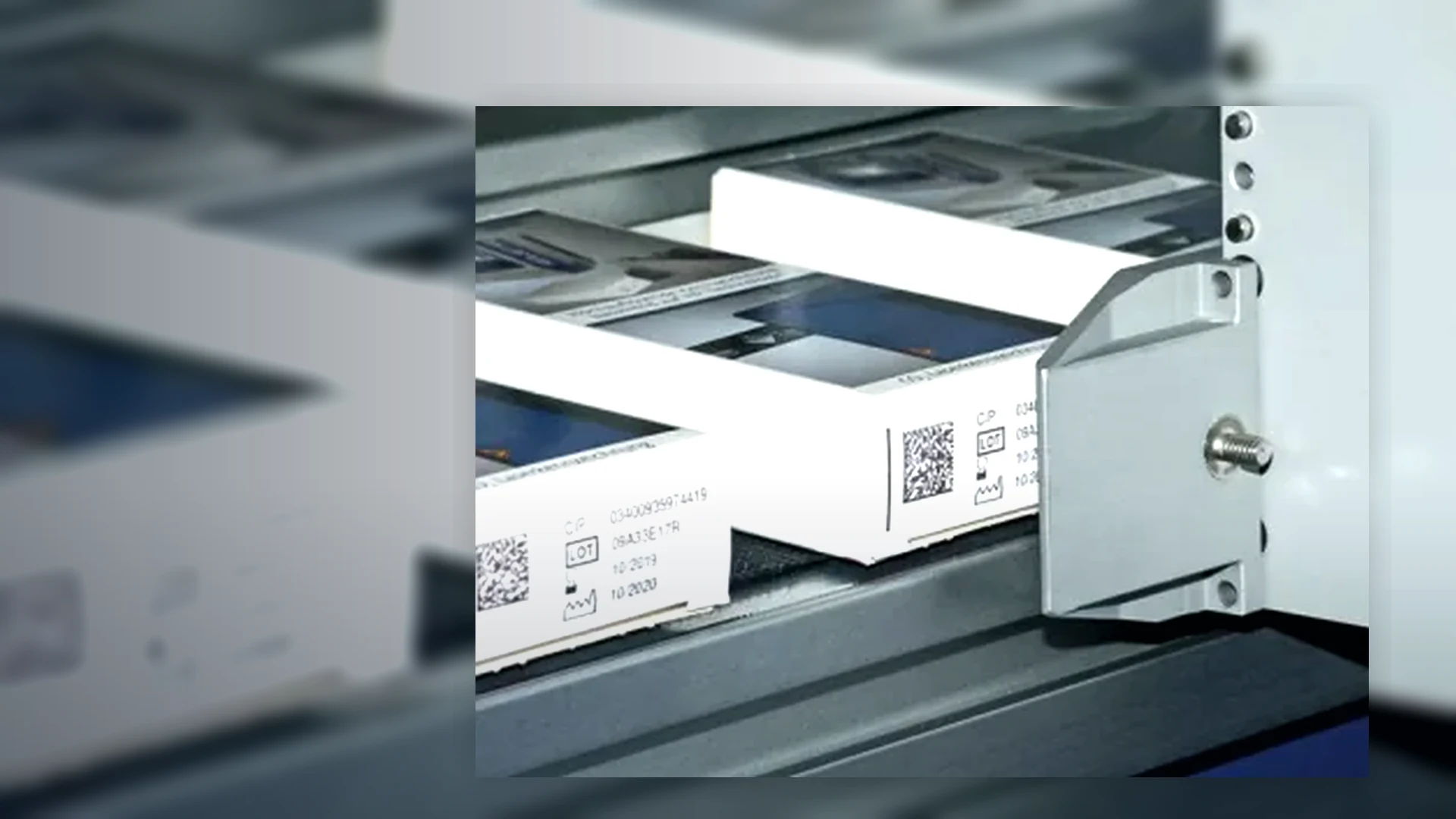
Continuous inkjet coders (CIJ)
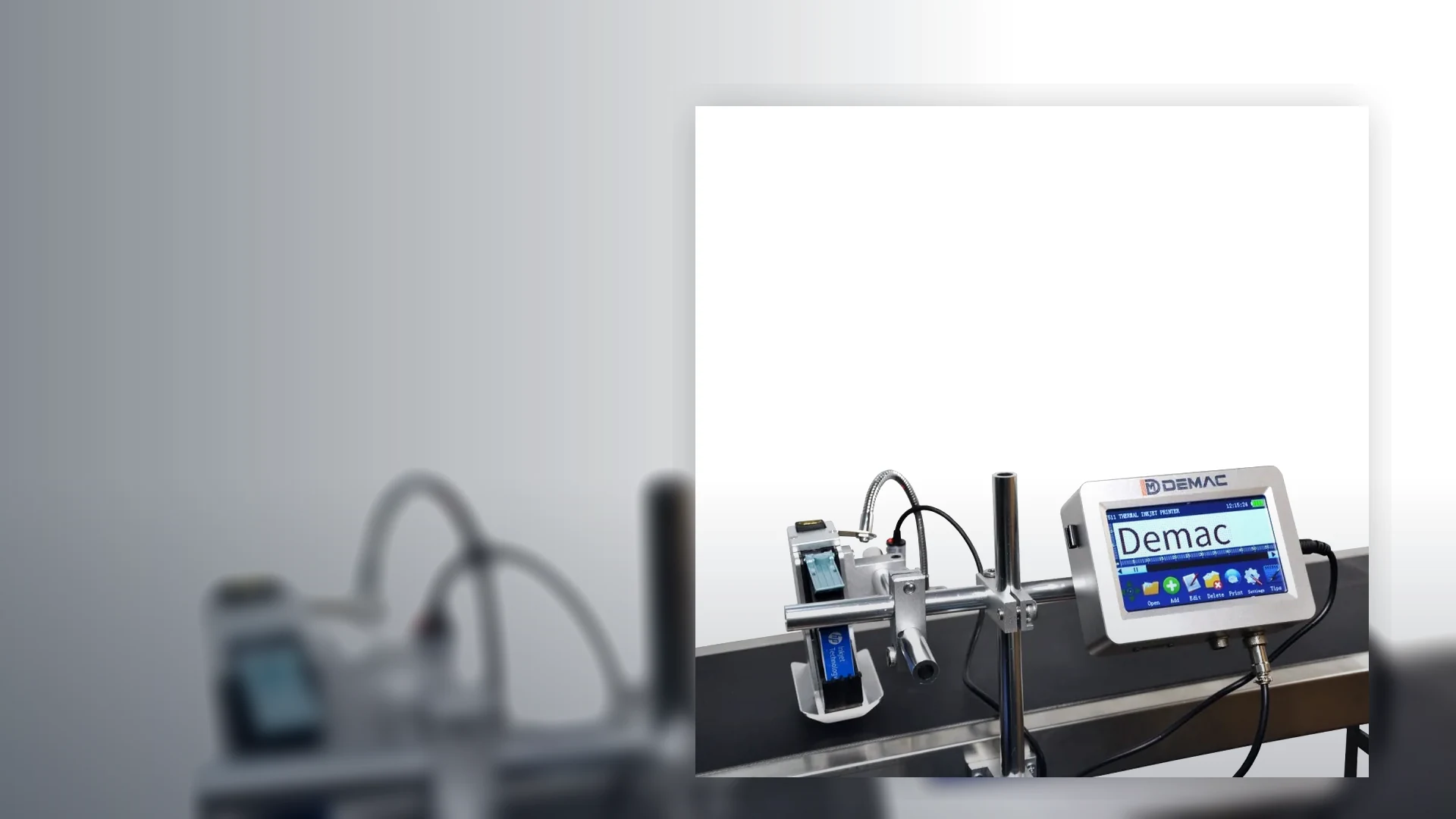
Non-contact inkjet coders for fast moving bottles, cans, containers, flexible packs and irregular products where the code has to be applied while the line keeps moving.
View details →Get the right CIJ, TIJ or carton coding system for your bottle, pouch, label, sleeve, tray or case line.
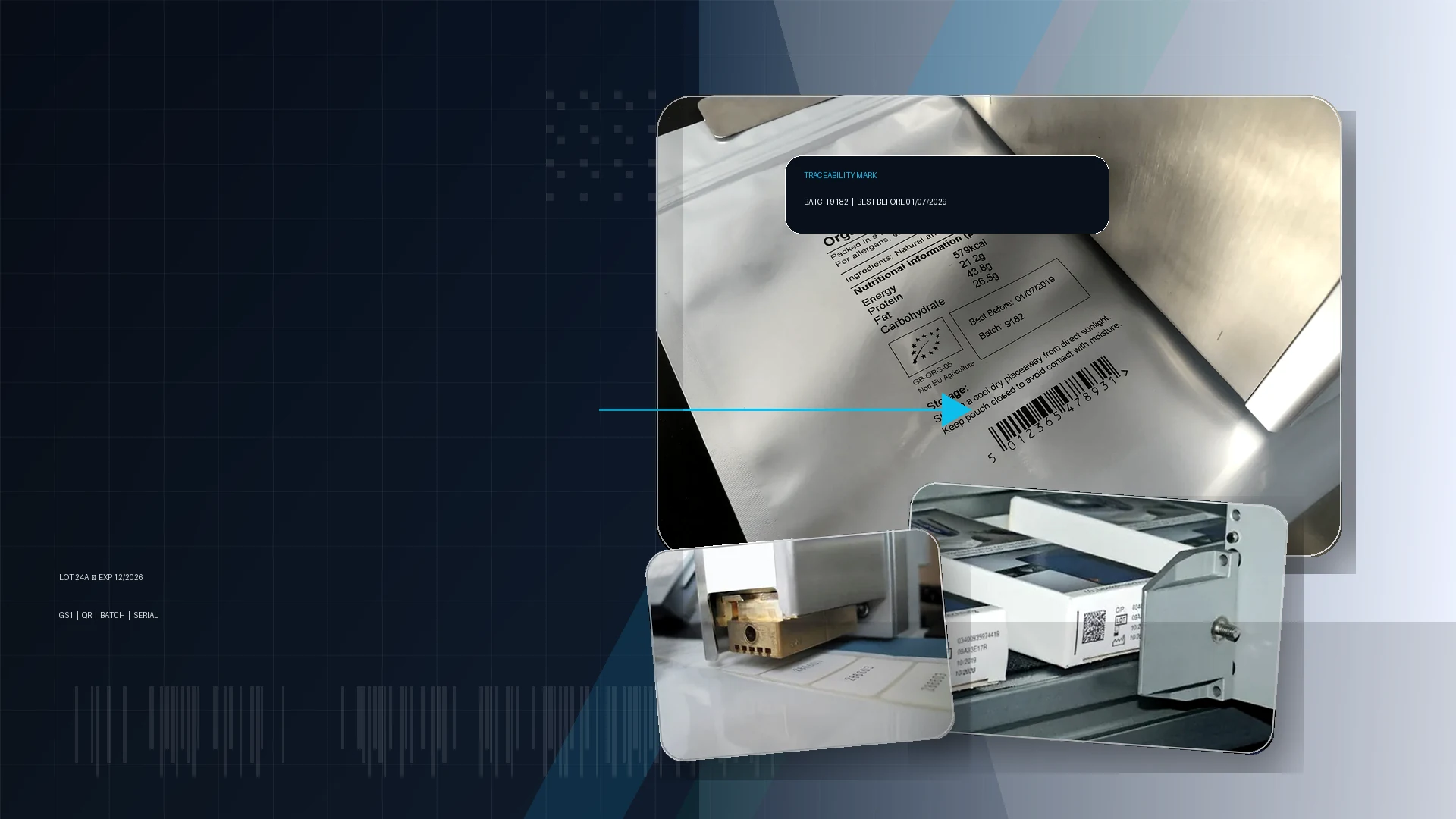
Inkjet coding is not one machine type. The best option depends on speed, substrate, print height, cleaning routine, line control and the type of code you need to apply.
Non-contact inkjet coders for fast moving bottles, cans, containers, flexible packs and irregular products where the code has to be applied while the line keeps moving.
View details →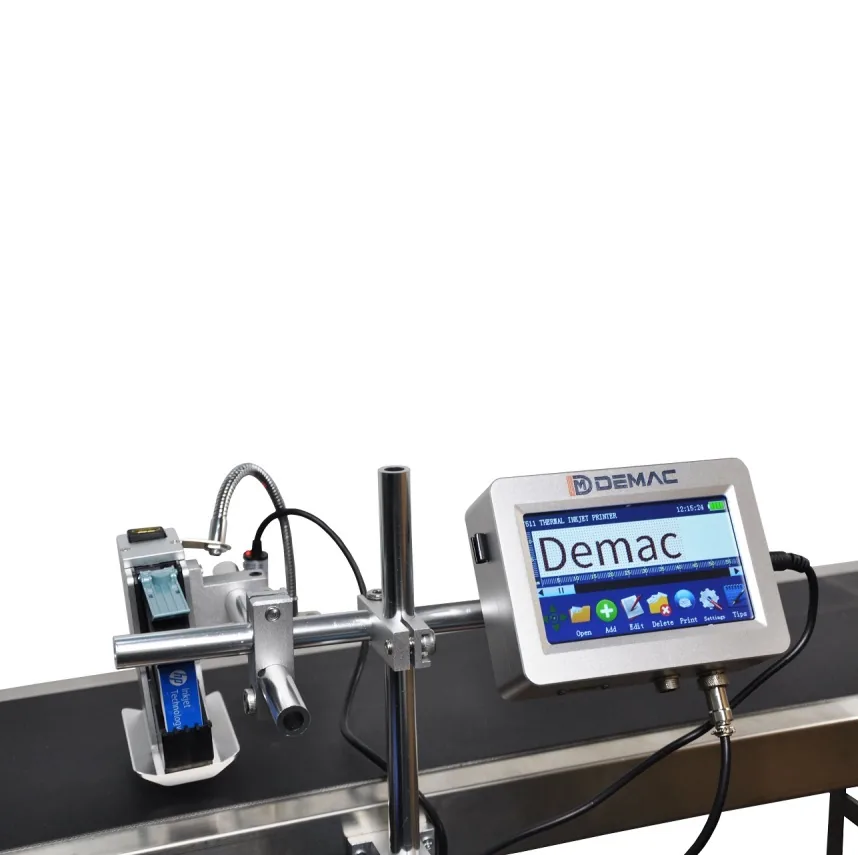
Clean cartridge-based inkjet printers for cartons, sleeves, labels, trays and porous or coated packaging where crisp text, QR codes and barcodes are required.
View details →
Industrial inkjet marking systems for outer cases, transit boxes and trays, replacing pre-printed cartons with flexible variable print.
View details →
Portable inkjet coders for low-volume date coding, batch marking and large item identification without installing a full conveyor system.
View details →Correct inkjet coding starts with the product presentation. We look at conveyor speed, product pitch, sensor position, print distance, code location, guarding, washdown level and operator changeover before recommending a system.
Choose by the pack type you need to code, then narrow the machine by line speed, print position, substrate and the code content required.
Print expiry dates, batch numbers and traceability codes onto plastic bottles, glass bottles, jars, tins and small containers.
View details →Inkjet printers for retail cartons, shelf-ready packaging, shipping cases and end-of-line case marking.
View details →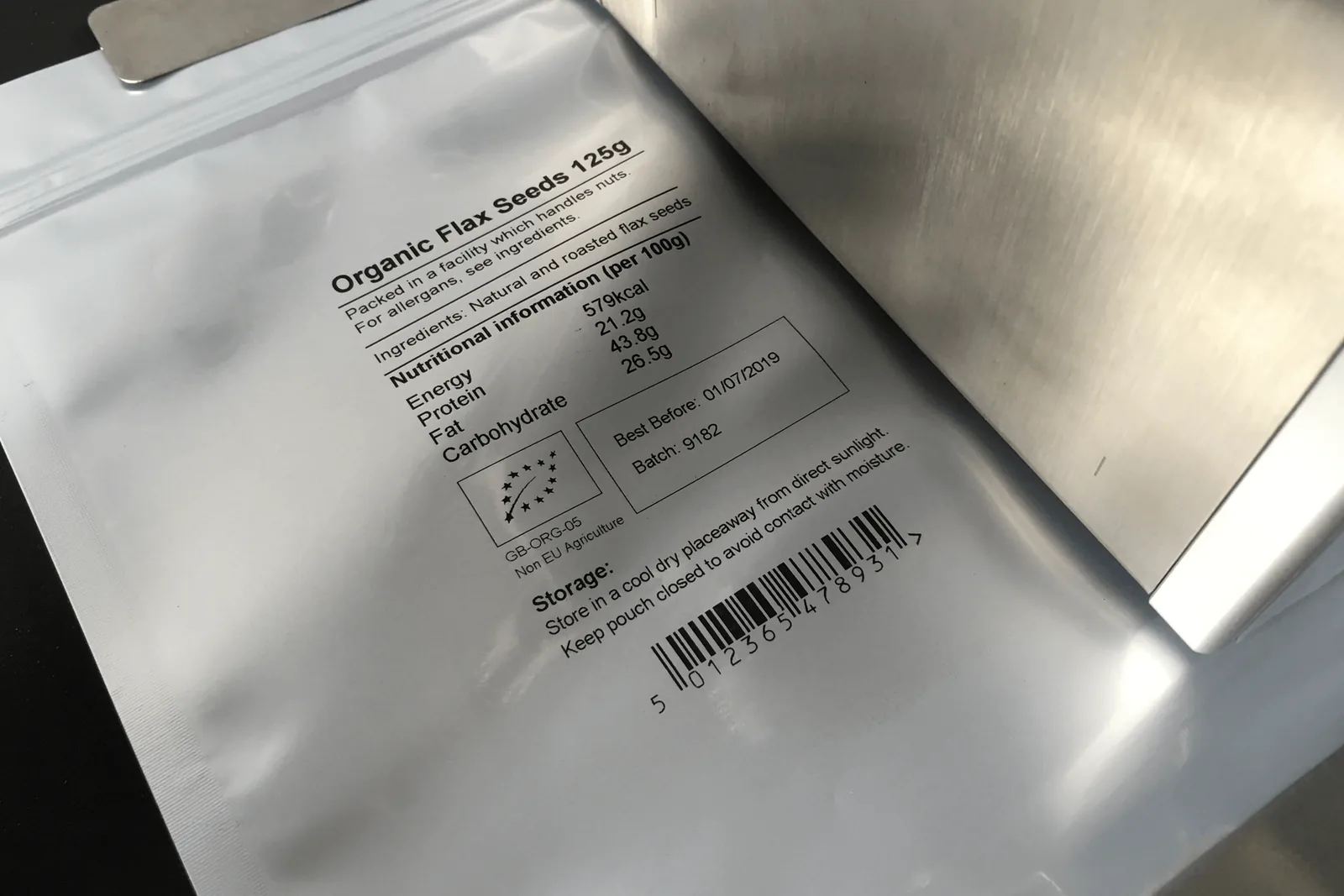
Inkjet and alternative coding solutions for stand-up pouches, bags, labels, sleeves and flexible packaging lines.
View details →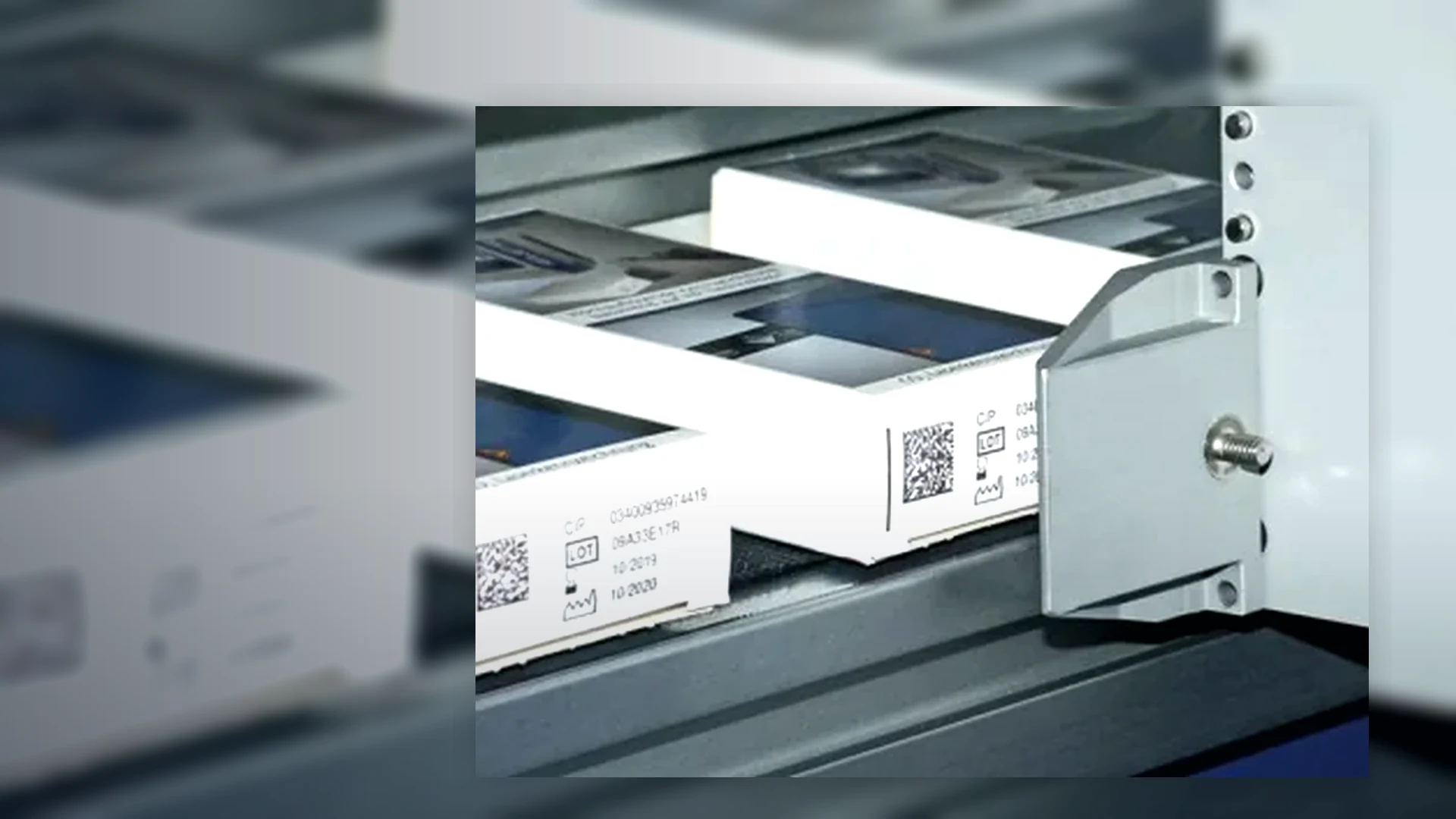
Best-before, use-by, lot and allergen coding systems for food, drink, bakery, sauces, pet food and contract packing.
View details →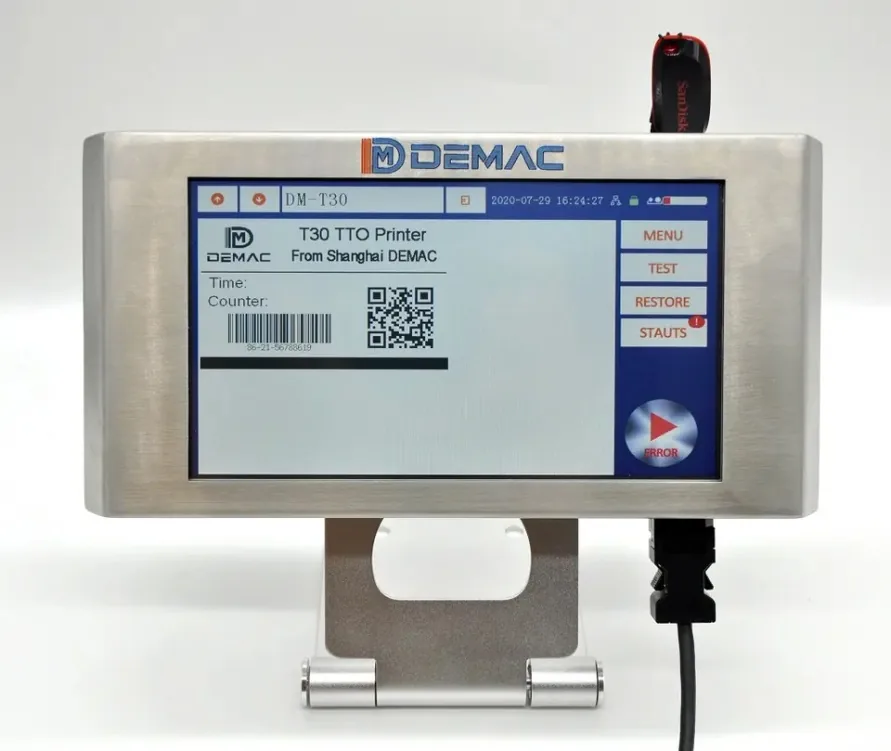
Batch, expiry, serial and 2D code printing for bottles, cartons, labels and regulated packaging workflows.
View details →
Integrate code verification, reject logic, label printing and data capture into new or existing production lines.
View details →Choose the right coder for your industry, whether you need food, beverage, cosmetics, pharmaceutical, chemical, industrial, contract packing or building material coding.
Date, batch, lot and QR code printing for food and drink packaging.
View details →Clean batch and expiry coding for bottles, tubes, cartons, labels and jars.
View details →Batch, expiry, 2D and traceability print for controlled packaging workflows.
View details →Batch, lot, product ID and outer case marking for industrial products.
View details →Flexible date and batch coding for mixed products, short runs and changeovers.
View details →Large character and batch marking for sacks, boxes, trade packs and cases.
View details →Match your date code, batch code, lot number, QR code, cardboard, plastic, bottle, carton, primary pack or secondary packaging requirement to the right machine type.
Start with your product or packaging problem, then compare the most relevant CIJ, TIJ or large character inkjet options.
Find machines for batch codes, expiry dates, date coding, industrial inkjet printing, QR codes and product traceability.
We can recommend the most suitable inkjet coder type, mounting arrangement and integration route.
Continuous inkjet is normally considered when the bottle is moving quickly, the surface is curved or the product position varies. Thermal inkjet can be suitable for flat bottle panels, labels, cartons and lower speed applications where high-resolution print is needed.
Yes. Inkjet coding systems are commonly used to print dates, batch numbers, lot codes, serial numbers, barcodes, QR codes and simple logos onto packaging and products.
Yes. Lancing can specify coder brackets, product sensors, encoder wheels, guarding interfaces, conveyors and installation support to suit an existing filling, capping, labelling or packing line.
A reliable result comes from matching the printing technology, ink, product presentation and controls to the real production conditions. The checklist below helps Lancing narrow the choice before a sample trial or quotation.
Send the container or pack material, colour, coating, curvature and the exact code position. Note condensation, oil, dust, release agents or cleaning chemicals that may affect adhesion.
Provide the complete message: date format, batch or lot reference, shift code, variable text, barcode or 2D code. State the smallest acceptable character or symbol and how it will be checked.
Confirm conveyor speed, products per minute, product pitch, available mounting space, line direction, working height, sensor position and whether an encoder, PLC, database, vision check or reject is required.
| Technology | Useful starting point | Important limitation to check |
|---|---|---|
| Continuous inkjet (CIJ) | Fast, non-contact coding on moving bottles, cans, containers and irregular products. | Ink and make-up fluid consumption, ventilation, routine cleaning and adhesion must suit the site and substrate. |
| Thermal inkjet (TIJ) | High-resolution text, barcodes and 2D codes where the print distance and product presentation can be controlled. | Cartridge chemistry, throw distance and printhead protection need to be proven on the actual pack. |
| Large-character inkjet | Outer cases, trays and cartons requiring larger variable text or direct-to-box information. | Porosity, carton colour, dust and barcode-quality requirements determine ink and printhead choice. |
| Handheld inkjet | Short runs, rework, warehouse marking and oversized items that are not presented on a fixed line. | Operator movement controls print quality, so jigs or a fixed system may be needed where repeatability matters. |
Trials should use production-grade packs in their normal condition, including any cold, damp, dusty or coated surfaces. Agree the print location, message, line speed, drying time and inspection method before the test. For machine-readable codes, distinguish a simple read check from formal barcode verification.
Where integration is required, define the product sensor, encoder, job selection, line-stop or reject response, data source and responsibility for each interface.
Send a sample pack, code artwork and short line video.
Lancing can use them to identify the most practical machine and trial route.
Use these detailed guides to define the production requirement, compare alternative technologies and prepare evidence for a practical quotation.
Compare equipment, integration, consumables, service and accepted-code output on the same basis.
Define data, symbol, print quality, placement and line control for DataMatrix or QR-code projects.
Plan photocells, encoders, PLC signals, ERP or MES data, vision and reject handling.
Control approved food date marks, message logic, line clearance and inspection.
Approve ink, packaging and handling using representative production samples.
Test print quality, data, speed, fault recovery, inspection and handover evidence.
Send the pack, message, line speed and required controls to turn the guides into a project specification.
Request a coding reviewThese answers connect the coder to the complete production task. For deeper guidance, use the inkjet coding question library.
Provide the actual pack, exact message, code position, line speed range, product pitch, environment and changeover range. Add photographs, a short line video and details of any PLC, database, vision or reject interface. This allows the printer, ink, mounting and controls to be assessed as one system rather than as an isolated box.
No. A sample proves only the tested pack, ink, message and condition. Approval should also cover repeatability, drying, rub resistance, speed changes, start/stop, format change and any barcode or 2D-code check. Use representative production samples and record the agreed acceptance criteria.
Place the coder where the final product identity is known, the print surface can be controlled and the code has time to dry before contact. The ideal point may be before or after filling, sealing, labelling or case packing depending on data ownership, pack shape and inspection needs.
Often yes, if every format can pass the printhead within its approved distance and the message, sensor and guides can be changed repeatably. Very different heights, surfaces, speeds or code positions may need adjustable brackets, stored recipes, several heads or separate coding points.
Compare the same production duty, complete integration scope and accepted-code result. Ask each supplier to state the exact model, print envelope, approved ink, mounting, sensor, encoder, communications, environmental limits, consumables, service, trial and acceptance assumptions. Headline speed and printer price alone are not comparable.
Send the pack, complete code and production-line conditions.
Ask a coding questionUse current model-level reference data to shortlist a CIJ, inline TIJ, bolt-on or handheld route. Final speed, ink, printhead, mounting and controls are confirmed against the production pack and line.
Send the product samples, code artwork, line speed and installation details for an application-specific written quotation.
Request a model recommendationSelection is only the start of the coding project. Plan who will operate the machine, which consumables and critical spares are approved, and how an existing installation will be replaced or upgraded without losing the accepted code and line interfaces.
Define role-based setup, message control, first-off checks, safe cleaning, replenishment and fault escalation.
Plan coder training →Order against the exact model, serial number, approved ink or cartridge and risk-based critical-spares list.
Plan consumables and spares →Carry forward the proven mounting, signals, messages and inspection criteria when an older coder needs upgrading.
Read the replacement guide →Send the installed model, pack, code and line evidence for an ownership or upgrade review.
Discuss your coding systemGive an inkjet coder supplier the longest real message your production job can generate, alongside a typical one. Include the date format, batch identifier, serial number and any additional text in their actual positions. A short demonstration message may fit neatly while a longer variable value extends beyond the available print area or into a pack feature.
For a barcode or two-dimensional symbol, agree the required data and receiving system before approving the layout. More encoded data can change the symbol size needed at the chosen module dimension. Preserve the relevant quiet zones and check the applicable specification; reducing the printed code until it fits is not evidence that it will scan reliably. Where verification is required, specify the method and acceptance criteria as part of the trial.
Test the agreed message set on your real packs at the intended running conditions, including the minimum normal spacing between products. Check that each complete message belongs to the correct pack and that the content matches the production instruction. Assess readability after the normal handling steps as a separate check. Retain the message file, sample packs and trial conditions together so the final quotation identifies the data and print task that were actually demonstrated.
It exposes whether the actual message fits the printable area and can be completed at the intended pack spacing. A shorter demonstration code may not represent the production job.
Only if the resulting symbol still meets the relevant size, quiet-zone and quality requirements and works in the intended reading process. Review the data and layout before shrinking it.
Variable data printing for packaging Barcode and 2D code verification
Provide the actual pack surface, print area and required characters or barcode. Explain whether the product moves continuously or indexes and how job data changes between runs. Assess trial readability, drying or handling behaviour, maintenance and consumables together with the required connection to line controls.
Related guidance:
Begin an inkjet assessment with the complete message and the actual pack surface. Include the longest batch string, the smallest intended characters and any barcode or two-dimensional code. The print that is easiest to demonstrate may not be the one that limits your application, so keep the demanding job in the initial sample set.
Describe the interval between printing and the next contact with the pack. Identify conveyor guides, product handling, stacking or wrapping that can touch the printed face. A sample review should record the surface condition and the time available before those events, with the acceptance method agreed in advance. This makes ink selection and print-position decisions easier to compare.
Review access as part of the coder choice. Show how the operator reaches the controller and consumables, how the printhead can be inspected and where the machine sits during line cleaning. Compare the proposed CIJ, TIJ, large-character or handheld route against the actual job sequence, including startup, changeover and recovery after a pause.
Surface finish, coatings and operating conditions may differ. Keep each actual packaging variant identifiable until its print result has been assessed.
It should show the required message on representative packaging at the agreed operating conditions, with the relevant handling and readability checks.