Support and maintenance
Inkjet coder servicing and troubleshooting support
Practical support for inkjet coder setup, cleaning routines, print quality issues, operator changeovers and production line reliability.
Practical support for inkjet coder setup, cleaning routines, print quality issues, operator changeovers and production line reliability.
Poor code quality is often linked to setup, ink choice, product movement, cleaning routine or trigger timing. A structured support process helps operators identify the cause and keep the packaging line running with readable codes.
| Support checks | Code sample, product photo, line video, speed, substrate, ink type and cleaning routine |
|---|---|
| Common issues | Unreadable codes, poor contrast, smudging, inconsistent position and data entry errors |
| Prevention | Sample testing, planned maintenance, clear job setup and controlled product presentation |
| Related options | Code quality guide, ink and substrate guide and support |
Installation and support are strongest when the coder, product handling and operator workflow are treated as one process rather than separate items.
Send it with your enquiry so the coder type, bracket position, print head access and ink choice can be reviewed properly.
Compare related coder types, applications and specification guidance.
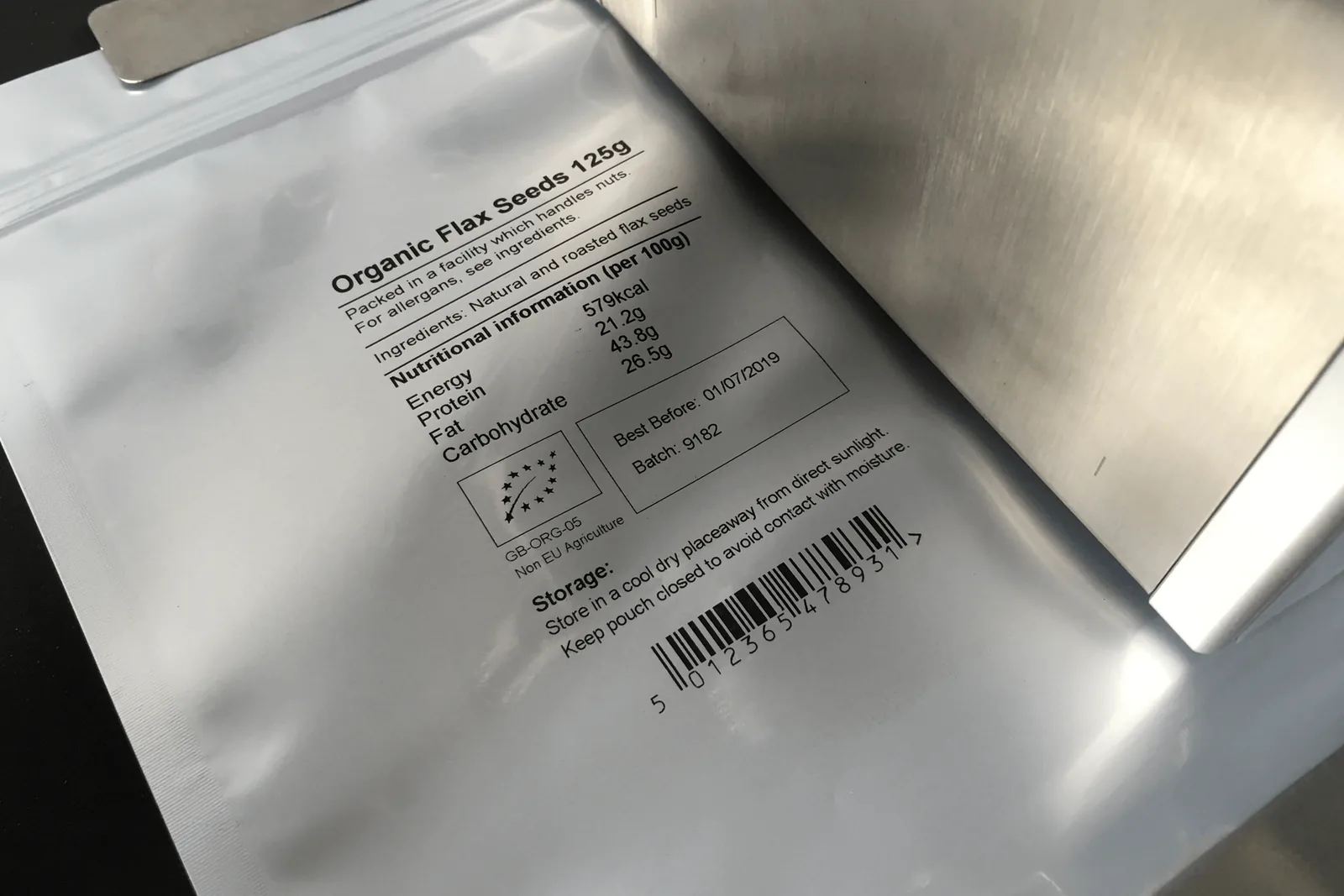
Match inkjet inks to plastic, glass, film, cartons, labels and coated packs.
View details →Installation, mounting, troubleshooting and integration support for coding lines.
View details →Send pack photos, code artwork, material, speed, code position and available line space. Lancing can then advise on the most suitable inkjet coding route.
Tell us what you need to code and where the coder has to fit on the line.
Service intervals, spares and operator checks depend on technology, ink, environment and duty. A support plan should prevent predictable stops and provide a clear route when production cannot recover safely.
Keep model, serial, software, ink or cartridge, installation drawings, settings, backups, manuals and service history with the machine.
Follow the exact manufacturer schedule and refine it from operating hours, environment, fault history and print-quality trends.
Choose parts from failure consequence, lead time and shelf life. Review the list after commissioning and recurring faults.
Define approved cleaning, replenishment, inspection and reset tasks. Escalate electrical, fluid-system, safety and software faults to trained personnel.
Agree secure access, site authorisation, network responsibility and what can be diagnosed remotely without bypassing production or safety controls.
Track code defects, alarms, consumable use, downtime and repeated interventions to identify application or maintenance causes.
Send the model and serial number, ink or cartridge, alarm text, recent changes, photographs of the print and printhead, a short video, operating hours and steps already taken. Do not clean away all evidence before recording the fault unless safety or product protection requires it.
Provide the machine reference and fault history for the correct service route.
Request coding support