Operator handover and competence

Inkjet coder operator training and handover

Role-based training for safe coder operation, message control, first-off checks, cleaning, consumable changes and fault escalation.

Inkjet coder operator training and production line handover
Role-based handover

What should inkjet coder training cover?

Inkjet coder training should teach each person only the tasks they are authorised to perform, using the installed model, approved ink or cartridge, real production messages and the site's own safety controls. The aim is repeatable start-up, correct data, a legible first-off code, safe replenishment and cleaning, controlled fault recovery and timely escalation.

Safe operation

Identify isolation points, guards, moving conveyors, hot or electrical areas, approved cleaning materials and the limits of operator intervention.

Message control

Select the approved job, update authorised variable fields, confirm date logic and prevent an old product or batch message remaining active.

First-off checks

Check code content, orientation, position, contrast, adhesion and any barcode or 2D-code requirement before normal production continues.

Consumables

Use the exact approved ink, make-up fluid or cartridge reference, record changes and follow the stated storage, spill and disposal controls.

Routine cleaning

Demonstrate only the model-specific tasks assigned to operators. Internal repairs, unapproved solvents and bypassing interlocks remain outside the operator role.

Fault escalation

Record the alarm, time, product, print sample and line state before settings are altered, then follow the agreed route for supervisor or technical support.

Training and competence boundary

The Health and Safety Executive states that people who use work equipment must receive adequate training for health and safety, including the methods, risks and precautions involved. The customer remains responsible for its site-specific risk assessment, supervision, authorisation and competence arrangements. See the HSE guidance on work-equipment training and competence.

Training matrix

Who needs which inkjet coder training?

A single demonstration is rarely enough for every role. Define what each person is expected to do and what evidence confirms the handover.

RoleTypical training scopeEvidence to retain
Production operatorStart and stop, job selection, authorised variable-data entry, first-off checks, replenishment, routine cleaning and alarm escalation.Named trainee, installed model, date, approved work instruction and practical observation.
Supervisor or quality teamMessage approval, line clearance, date-format control, inspection frequency, reject handling and release after changeover.Approved templates, sample codes, inspection criteria and deviation route.
Maintenance or engineeringMounting, sensors, encoder, electrical or network interfaces, backups, diagnostics and model-specific service boundaries.Drawings, settings, I/O list, backup location, spare-parts list and escalation contacts.
Data or systems ownerRecipe source, user permissions, database or ERP/MES interface, clock control, audit records and recovery after communication loss.Interface specification, test record, authorised users and change-control procedure.
Technology differences

Training differs between CIJ, TIJ and handheld coders

The correct handover follows the installed technology rather than a generic printer checklist.

Continuous inkjet (CIJ)

CIJ handover should cover the approved ink and make-up fluid, start-up and shutdown sequence, printhead and gutter care, ventilation and spill controls, fluid alarms and the point at which an operator must stop and request service.

Thermal inkjet (TIJ)

TIJ handover should cover cartridge identification, nozzle protection, the permitted print gap, product sensing, stored messages, first-off barcode or 2D checks where required and the effect of a changed pack surface or cartridge chemistry.

Large-character case coding

Training should include case guidance, printhead height, carton porosity, ink replenishment, message selection, encoder response and checks for flap movement, dust or case skew.

Handheld inkjet

Operators need a repeatable guide or jig, steady travel speed, the correct orientation and a defined check frequency. Where position and quality cannot be controlled manually, a fixed sensor-triggered arrangement may be more suitable.

Handover sequence

Inkjet coder training and handover sequence

1. Confirm the approved application

Use the agreed pack, code, print position, ink, line speed and inspection method rather than a demonstration message alone.

2. Demonstrate the complete cycle

Show start-up, job selection, first-off approval, normal running, replenishment, controlled stop and shutdown.

3. Observe practical operation

Ask each nominated user to complete the tasks assigned to that role while the trainer observes and corrects the sequence.

4. Rehearse fault scenarios

Use safe simulated conditions to show missed product, low consumable, poor print, wrong message and communication-fault responses.

5. Record settings and ownership

Retain approved templates, user permissions, cleaning method, consumable references, inspection checks and support contacts.

6. Set refresher triggers

Repeat relevant training after a model, pack, ink, software, line-control or operator-role change, or where recurring errors show the method is not understood.

Buyer questions

Questions buyers ask about inkjet coder training

Is training included with an inkjet coder?

The quotation should state the exact handover scope, location, roles and evidence included. A compact handheld coder may need remote or factory familiarisation, while an integrated line may require on-site operator, quality and maintenance handover after commissioning.

How long does inkjet coder training take?

There is no reliable universal duration. Training time depends on the model, number of roles, message complexity, integration, shift coverage and whether the system includes vision, reject logic, database control or several pack formats.

Should training use real production packs?

Yes, where practical. Real packs expose print-gap, adhesion, contrast, curvature, condensation, sensor and changeover issues that a bench demonstration may not show.

When is refresher training needed?

Refresher training is appropriate after material changes, new operators, repeated coding errors, long periods without use or changes to messages, software, ink, product handling or safety controls. The site should set the frequency from risk and performance rather than an invented fixed interval.

Can operators service an inkjet coder?

Operators should complete only documented checks, replenishment and cleaning tasks assigned to them. Internal fluid work, electrical diagnosis, software changes and repairs may require trained technical personnel and the exact manufacturer procedure.

What information is needed for a training quotation?

Provide the model and serial number, location, number and role of trainees, current work instructions, pack formats, messages, consumables, line controls and known problem areas. State whether the requirement is new-equipment handover, refresher training or fault-recovery coaching.
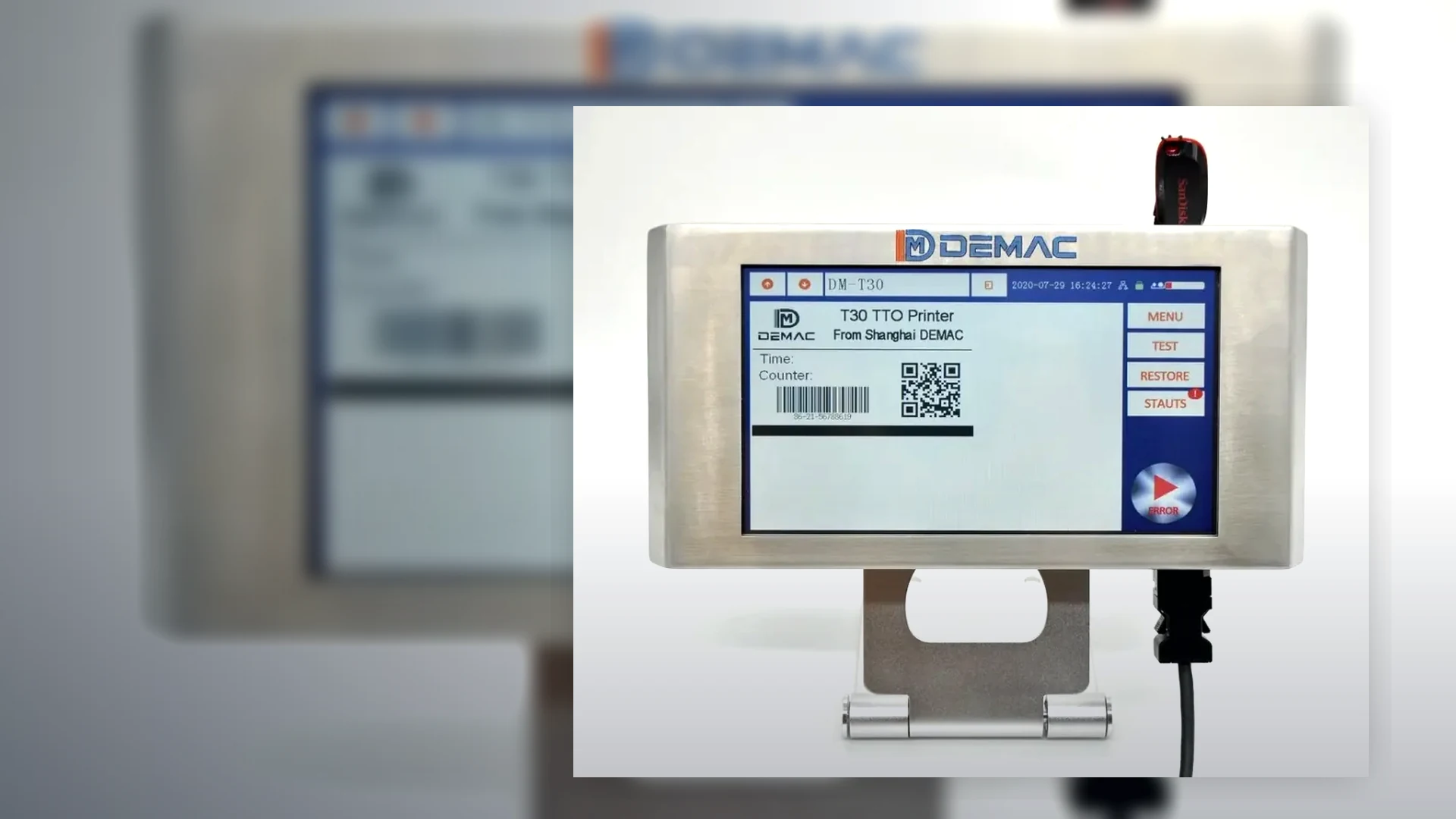
Send the installed model, operator roles and production routine so Lancing can define an appropriate handover scope.

Request training support
Related support

Continue planning inkjet coder ownership

Get Quote